inStories
One Photography Studio, One Business Page: Meet Lumen
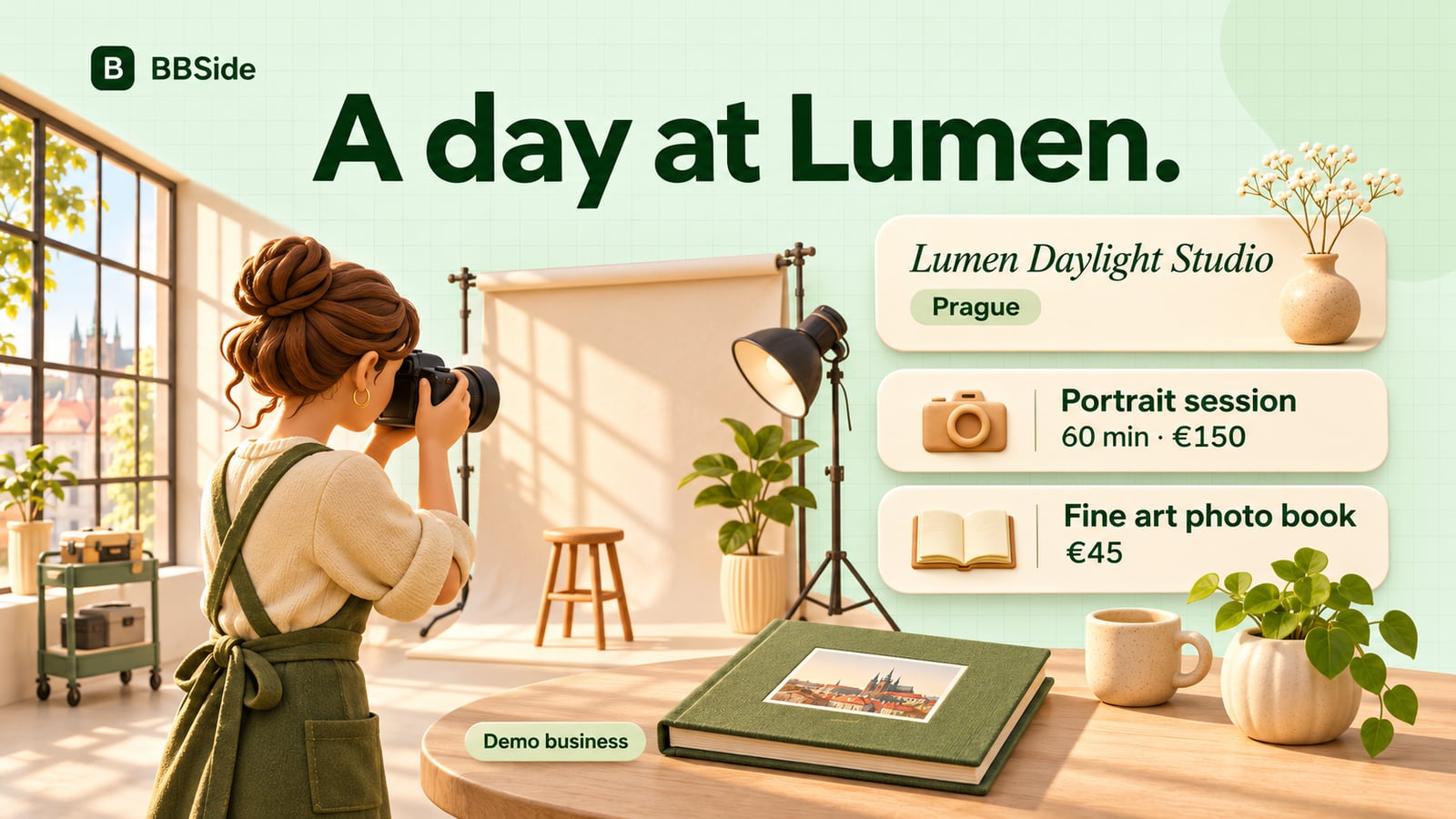
Meet Lumen, our fictional photography studio, and follow a customer from discovering its work to booking a portrait session and ordering a photo book.
Lumen Daylight Studio is the demonstration business you can see around the BBSide website. It belongs to Jane White, a fictional photographer in Prague, and brings together portrait sessions, brand photography, and printed work.
This walkthrough follows the offers shown in the current website demo. It is a way to explore what a business page can do through one studio and one customer journey.
A first look at the studio
The page opens with Lumen's name and the tagline “Natural light for people and products.” Its cover theme, studio photograph, and short introduction give a visitor a feel for the work before they browse the offers.
Jane's profile sits alongside the business story, putting a person behind the studio. The About gives her room to describe how she works and what someone can expect from a session.
Imagine Alex opening the page after a friend recommends the studio. He wants a new portrait for his professional profile. He can look through the work, get a sense of the approach, and find a session that fits.
Offers that answer different needs
Lumen's demo presents three services:
| Service | Appointment length | Price |
|---|---|---|
| Portrait session | 60 minutes | €150 |
| Brand photography | 120 minutes | €300 |
| Studio consultation | 30 minutes | €50 |
For Alex, the portrait session is the relevant starting point. The card gives him the price and appointment length, while its description and photographs help him picture the visit.
The same page also shows the Fine art photo book, a €45 product. It gives someone a way to order printed work alongside the studio's photography services.
A studio can add a price list for smaller extras, such as print sizes and finishing options. The customer then has a place to browse those prices when the conversation turns to what they would like to take home. Our guide to services, products, and price lists explores those choices in more detail.
A customer chooses a time
Alex opens the portrait session and chooses a date and available time from the booking options. He can leave his contact details and a note:
I'd like a portrait for my work profile. Could we try one formal shot and one more relaxed version?
He can send the request using his email for updates, without creating a BBSide account. Jane receives it in her booking list with the service, time, contact details, and note together.
When Jane confirms the appointment, Alex receives an email. She can prepare for the kind of photographs he described, and he knows the session is arranged.
The guest-booking guide follows this part of the experience in more detail. For a studio with several photographers, independent calendars can give each person their own schedule.
The conversation continues after the session
After seeing the photographs, Alex asks about a printed book. The product page gives him the description and price, and he can place an order for the Fine art photo book.
If he and Jane use BBSide chat to discuss the order, she can keep the payment request there too. With Stripe connected, Jane can create a payment link for the agreed amount and send it as a card in their conversation.
At collection, showing a QR code is another option. Alex can scan it on Jane's screen and complete the payment on his phone. The payment-link guide explains the options for sending a link or showing it in person.
The page stays useful between visits
Lumen's location and opening hours help Alex plan a collection, and he can keep the page link for a future visit. Someone interested in a different service can arrive at the same page and follow their own path through the studio's offers.
Jane manages the services, product orders, bookings, and page content in her dashboard. When she changes an offer or adds something new, the page she already shares remains the place customers can return to.
If you want to explore a similar setup for your own business, start with creating your page from a description. Your work, offers, photographs, and the way you look after customers will give it its own character.