Services, products, or price lists: how to organise what you offer
Show your services, sell products, and share price lists on one BBSide page. Here is how to organise your offerings so customers can find what they need.
A salon can offer appointments and sell haircare products. A repair shop can take bookings, sell spare parts, and display a menu of common repairs. With BBSide, you can bring all of this together on your business page.
Services, products, and price lists each have a place in Offerings in your dashboard. You can use whichever combination suits your business and add to it as you grow.
For the examples below, we will use Lumen, a fictional photography studio.
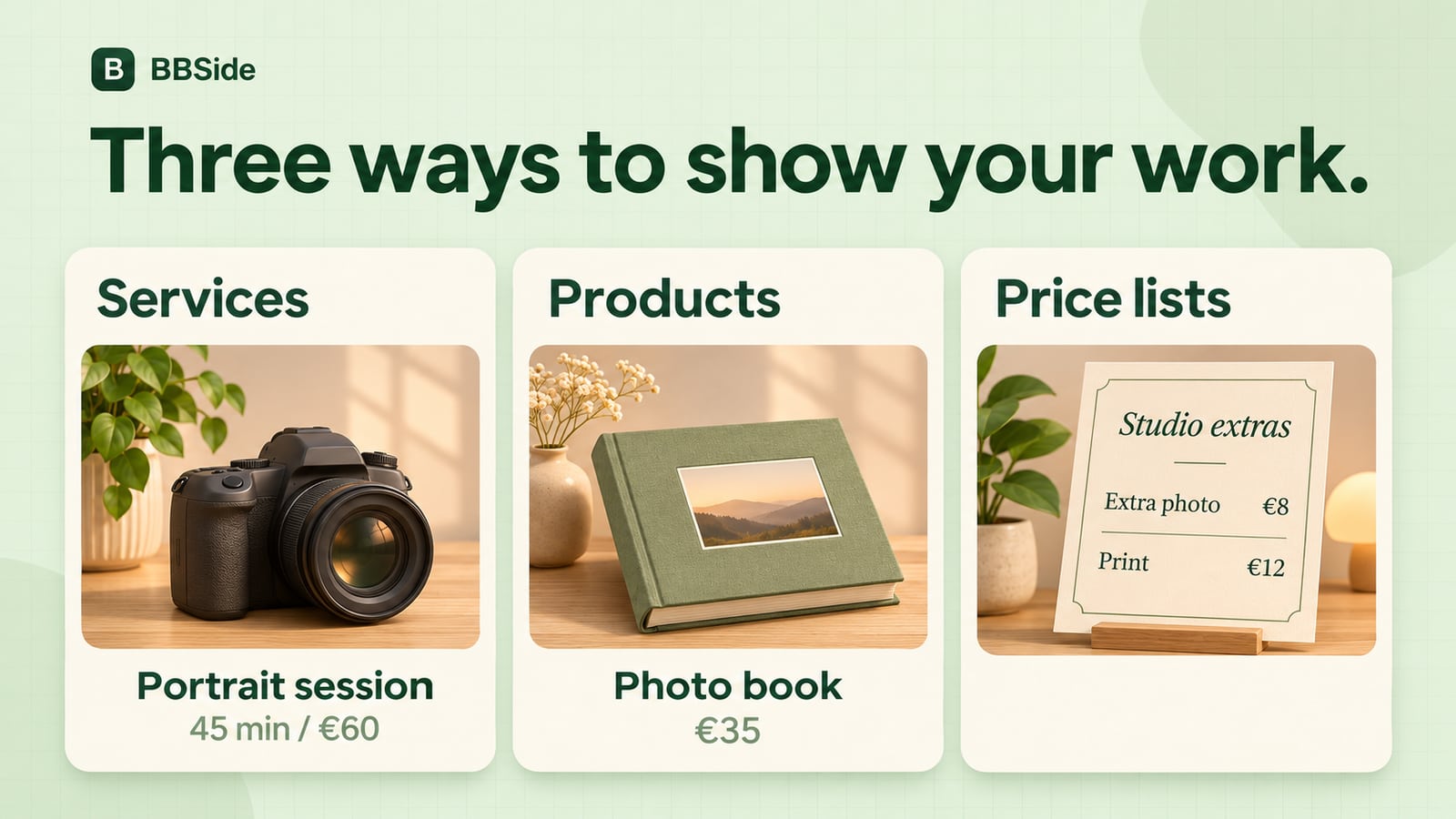
The difference at a glance
| Format | Best for | What the customer does | Useful details |
|---|---|---|---|
| Service | Appointments, lessons, treatments, and other services | Reads the details and books an appointment | What is included, duration, and price |
| Product | Items you sell, such as a printed photo book | Reads the details and orders the product | Photos, price, and availability |
| Price list | A menu of treatments, packages, fees, or extras | Browses items and prices | Categories, prices, and short descriptions |
Services: help customers choose their appointment
Give your services their own cards, with photographs, descriptions, prices, and durations. Customers can browse what you offer and book the appointment that suits them.
Lumen offers portrait sessions and product photography. Each has its own card, so a customer looking for a new headshot can go straight to the portrait session:
Portrait session — €60
A 45-minute studio session for one person, including six edited digital photographs. Bring up to two outfits.
Show some of your work and describe the experience customers can look forward to. A few details about what is included or how to prepare can help them choose between your packages.
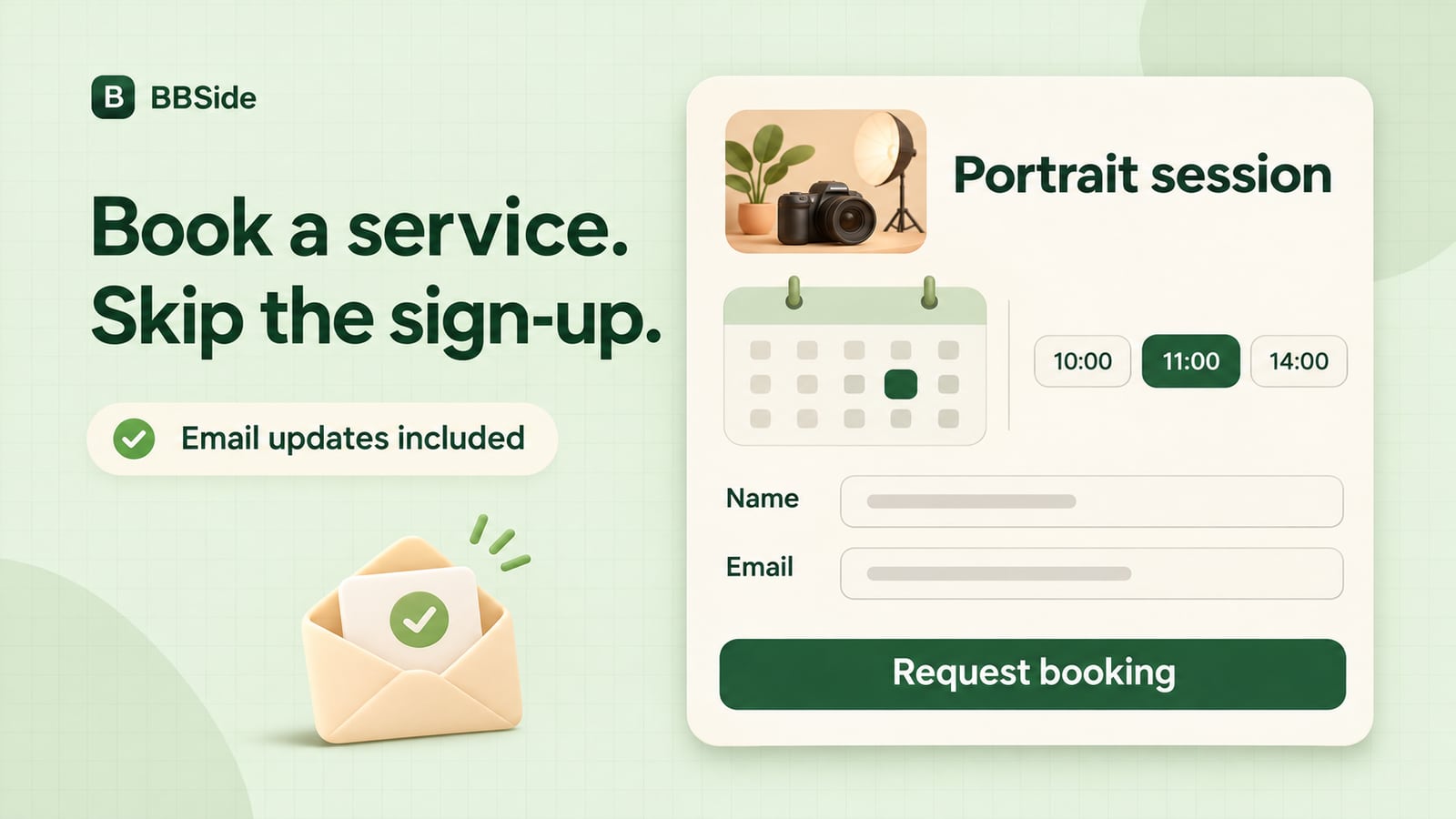
Customers can book a service without creating an account, making it easy to arrange an appointment from a link you have shared.
Products: show what you have for sale
Add products alongside your services, whether you sell handmade pieces, professional supplies, or something your customers can take home after a visit.
At Lumen, customers can order a printed book of their photographs:
Fine art photo book — €35
A 20-page, 25 × 25 cm hardcover book with photographs from your session. Available for collection at the studio.
Use photographs to show the finish and details, and include practical information such as sizes, materials, or collection arrangements. You can manage available quantities in the dashboard and receive orders alongside your service bookings.
Price lists: put the full menu in one place
A price list gives customers an overview of your prices. It can be a salon's treatment menu, a restaurant's food and drinks menu, or a photography studio's packages and extras.
For Lumen, Studio extras could look like this:
| Item | Price | Description |
|---|---|---|
| Extra edited photograph | €8 | An additional edited image from your session. |
| Small print | €12 | A 15 × 20 cm print for collection at the studio. |
| Gift wrapping | €4 | Paper wrapping for a collected photo book. |
Group a longer list into categories so customers can find what interests them. A restaurant could use Starters, Mains, and Drinks; Lumen might use Digital, Prints, and Finishing.
You can have several price lists on your page, such as a regular menu and seasonal specials, or studio extras and commercial packages. Each has its own link. When a customer asks about prints, you can send them the relevant list directly.
Bring it together on your page
Lumen's customers can book a portrait session, order a photo book, and browse studio extras from the same business page. A salon, workshop, or shop can build its own combination around what it offers.
As your selection grows, use categories to keep related services or products together and put your most popular offerings first. You can also share a direct link to an individual service, product, or price list when someone asks about it.
For customers who want to discuss the details, BBSide's chat lets you keep the conversation in one place.
If you are creating your first page, follow our AI page-creation guide. For ideas on the rest of your page, see the business page checklist.