Your Business Page Now Has Its Own Articles
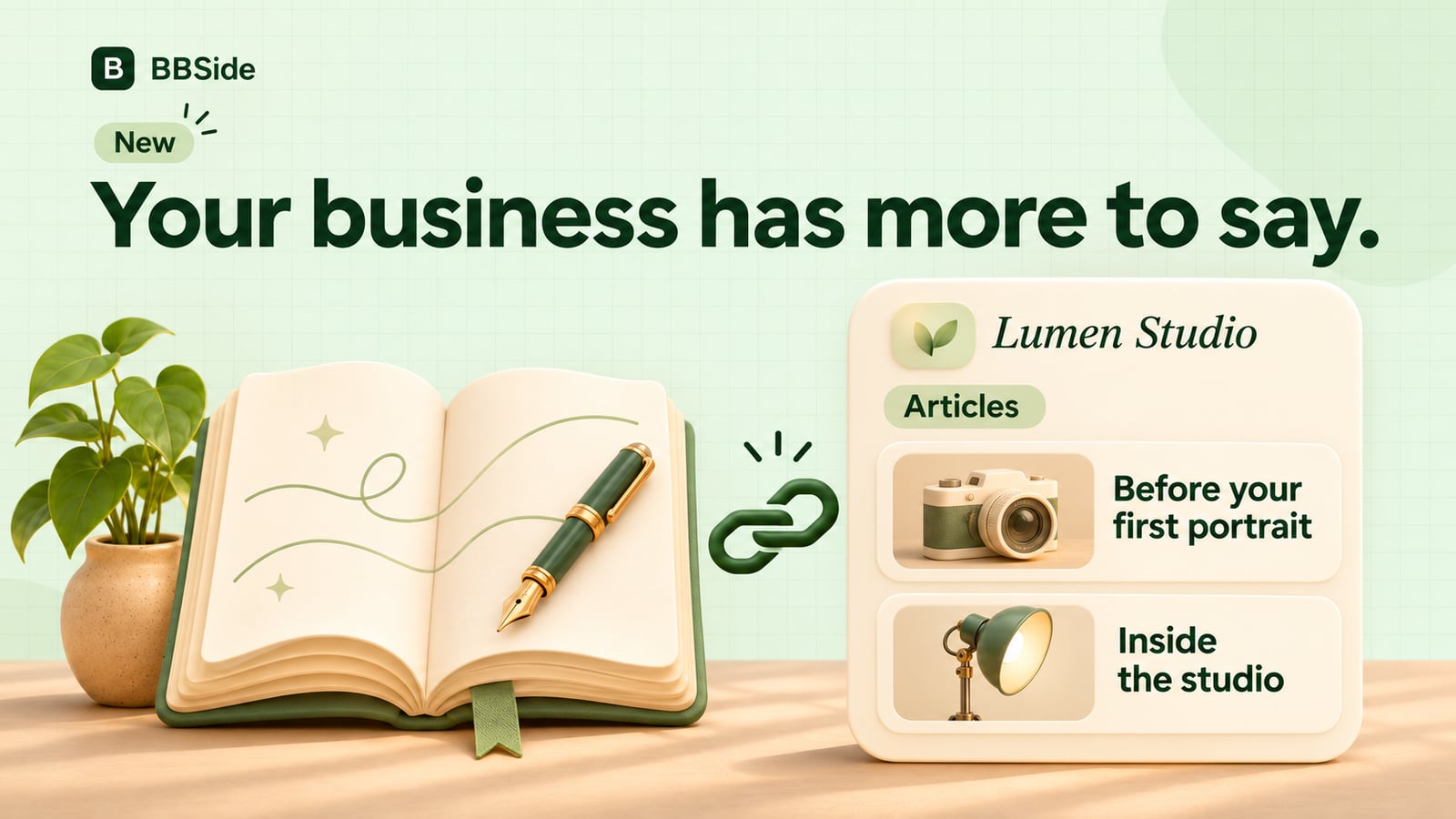
Your BBSide page now has its own articles. Share advice, stories and business updates, with a place for readers to explore what you offer.
Some things deserve more space than a service description. The story behind a new collection. Advice you give customers every week. A closer look at a project, a neighbourhood or the way you work.
You can now publish those pieces directly on your BBSide business page. Articles gives your business a small blog of its own, alongside the services, products and information visitors already come to see.
Give your experience a home
A photographer could explain how to prepare for a first portrait session. A bicycle workshop could answer common questions about choosing a service. An estate agency could share its knowledge of a neighbourhood.
These are useful things for a future customer to read before getting in touch. They also let people hear your voice and understand your approach beyond a short introduction.
You can use the same space for news: a new service, a seasonal collection, a studio move or a look behind the scenes. Each article has its own public link, ready to share in a message, newsletter or social post.
A reading experience that belongs to your page
Articles can have a title, a subtitle and a cover image. The editor supports Markdown for headings, emphasis, lists and links, with a preview so you can see how the piece will read.
On your business page, visitors see article cards and can open the full collection through All articles. You can choose up to two featured articles to show first, keeping a particularly useful guide or an important update easy to find.
Longer pieces have a table of contents, and readers have a direct route back to your business page. You can also link from the text to a relevant service, product or price list, giving someone a natural next step after reading.
Write for the languages your customers use
You can add language versions of an article and provide your own translated text. Readers can switch between the published versions from the article itself.
That gives a local business serving an international community room to explain the same subject in different languages. Each version has its own link, so you can share the one that fits the conversation.
You can publish up to 30 new articles per calendar month. Each article can have up to 10 translations, which do not use another place in that monthly allowance. Existing articles remain editable.
More ways for people to discover your business
Each article is published as its own page, connected to your business and available for search engines to discover. Someone can find a useful piece, read it and go on to explore what you offer.
Useful writing can introduce your business to people searching for an answer before they are ready to book or buy. A guide about preparing for a portrait can lead someone to the photographer who wrote it; a neighbourhood article can introduce the agency that knows the area.
Search visibility takes time and is not guaranteed. Start with questions you know how to answer from your own work. Google’s guidance on helpful content favours material written to help people, with original information and first-hand experience.
If you already publish on another website, choose deliberately where each piece should live. Copying an existing article does not automatically carry its search position to a new address; Google may select one version when it finds duplicate content.
Publish your first piece
Open Articles in your business dashboard and choose Write article. Add the text and an optional cover, preview it, then publish. Your business page needs to be published for visitors to read its articles.
A good first subject is often a question you answered this week. Give it the space it deserves, then share it with the next person who asks.