Introducing BBSide for Restaurants
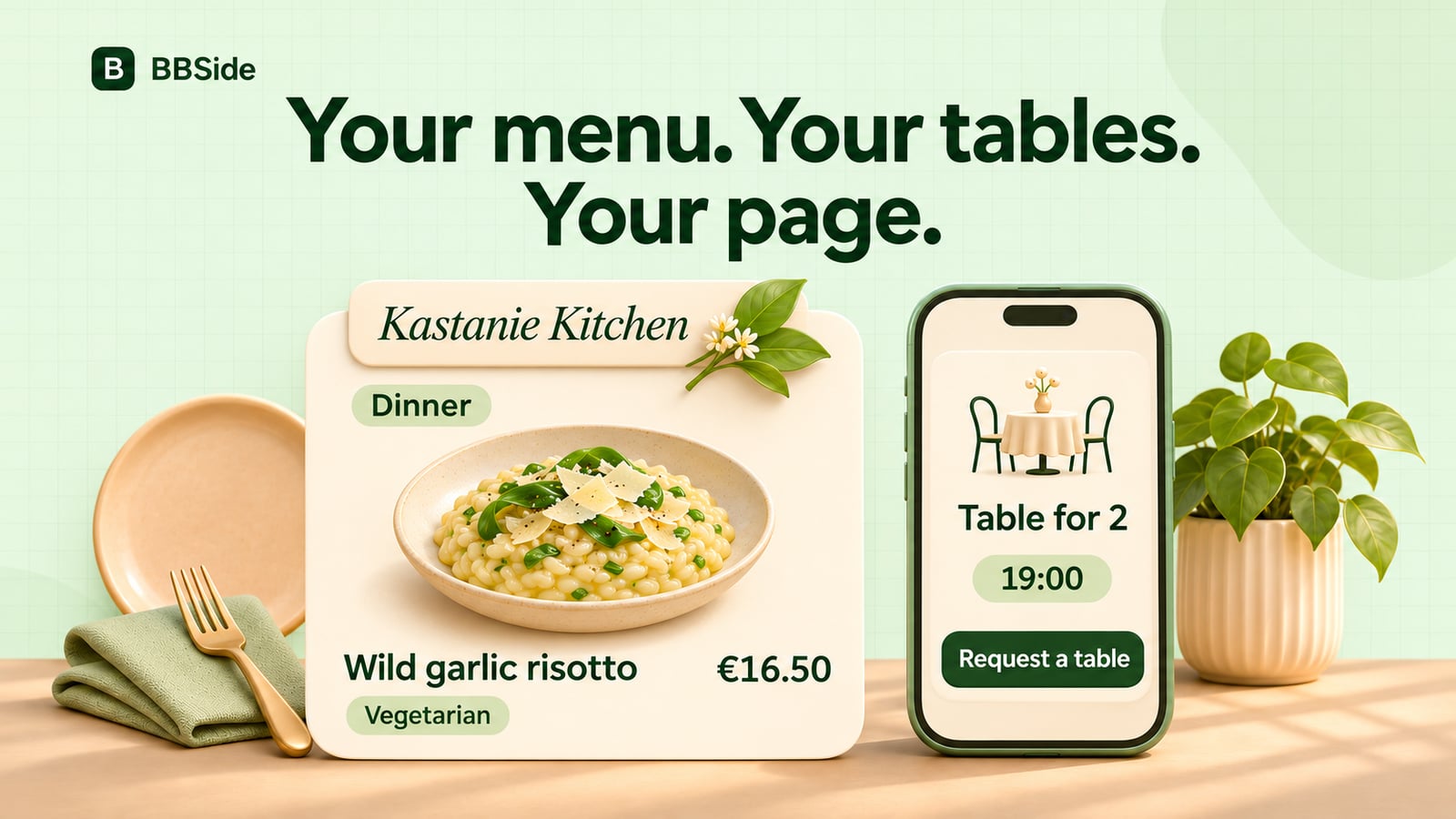
BBSide for Restaurants brings online menus, your locations and table reservation requests together on one business page, managed from your dashboard.
Your menu changes. Your terrace opens for the season. Someone wants to know whether a dish suits them, while another guest is looking for a table on Friday evening.
BBSide for Restaurants gives those everyday questions a place on your business page. You can publish detailed menus, present each of your locations and let guests request a table, with the work brought together in your dashboard.
A menu people can explore before they arrive
Create menus for the way you serve: lunch, dinner, drinks or a particular occasion. Group dishes into categories, add photographs and descriptions, and show prices and portions.
For a dish or drink that comes in several sizes, you can give each size its own price and portion. A guest can compare a small and large serving without having to work out which number belongs to which option.
There is also room for the details people ask about: ingredients, allergens, dietary tags, spiciness and nutrition information. You can highlight a new, popular or signature dish, and mark something unavailable when it runs out.
Guests can filter dishes by diet or exclude listed allergens while browsing. The information comes from your menu entries, so it should reflect what your kitchen serves. For a particular allergy or preparation question, guests can use your restaurant’s contact details to speak with your team.
Every location gets its own place
One business page can hold several restaurants. Each location has its own address and map pin, opening hours, contact details, cover and photo gallery. You can also show cuisines, price level and features such as outdoor seating.
Menus can be shared between locations. If two restaurants serve the same dinner menu, you can maintain it once and attach it to both. A brunch menu served at only one location can stay with that location.
Each restaurant and each menu has a direct link. Send a guest to the place they asked about, or put the dinner menu in your social profile. They can arrive at the relevant information without searching through the whole page.
Take table requests around the way you serve
You can describe the kinds of tables guests can reserve, including their capacity, the smallest party they suit and how many are available.
Reservation hours are separate from opening hours. Your restaurant might stay open until late while taking its last new tables earlier in the evening. You can also set how long a reservation lasts according to party size.
On the public page, guests choose their party size, a date and an available time. BBSide offers the smallest available table type that fits, and guests can choose another suitable option when there is a choice.
They then leave their contact details and send the request. There is no deposit in this reservation flow, and guests do not need a BBSide account to request a table.
Keep the reservation and the guest’s details together
Table requests arrive in Bookings, with the restaurant, table, party size, time and guest’s contact details. Your team can review each request and confirm or reject it.
Guests receive an email when their reservation is confirmed. You can manage later changes, cancel a reservation or mark a visit complete, while keeping the history in the same workspace.
That makes it easier to see what was requested and what you have confirmed, especially when you run more than one location.
Update your restaurant as the week changes
Your Restaurants workspace brings locations and their attached menus together. Menus have their own editor for dishes, categories, sizes and the details that belong with them.
You can also ask the BBSide AI assistant to help with supported restaurant and menu changes, such as adding dishes or updating prices. It presents the changes for your confirmation before applying them.
Services and products can still sit alongside your restaurants. A cooking class, a catering consultation or a product you sell can have its own place on the same business page.
Explore BBSide for Restaurants
Restaurants are available on Plus, Pro and Business. The plans differ in how many active restaurant locations you can run; you can compare the current allowances on our pricing page.
You can choose Restaurants when creating your page or add it to an existing page from Offerings. Then start with one location and the menu your guests ask for most often.
Our BBSide for Restaurants page shows the experience from menu setup to a guest’s table request. Take a look, then bring your next menu and your next reservation onto your own page.