Group Bookings: Offer Several Places in One Time Slot
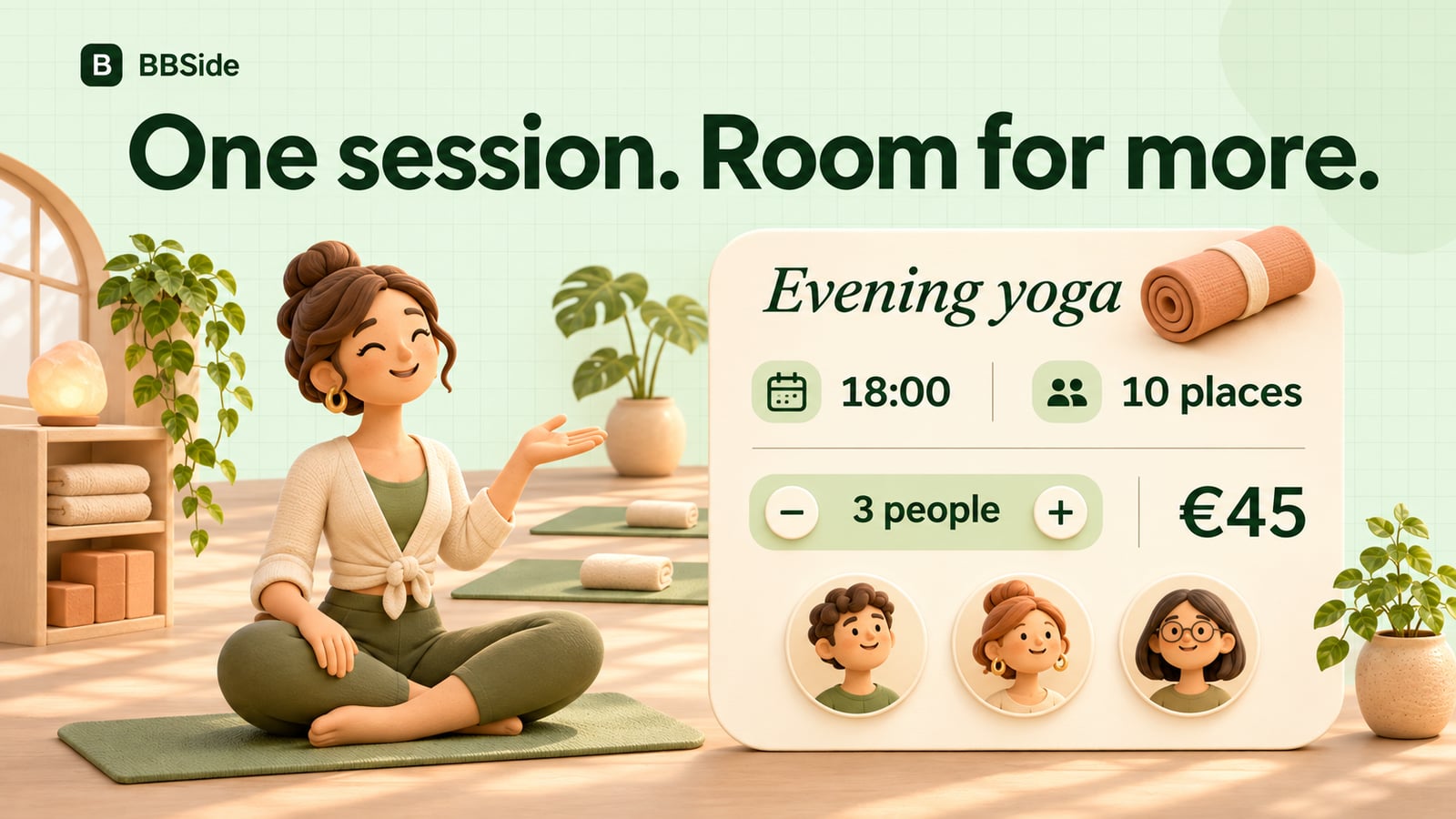
Let several people book the same class or event time. Set the number of places in BBSide, with a price per participant and group-size selection.
A private lesson takes one booking at a time. A yoga class, guided workshop, or group session has room for several people, and a customer may want to reserve places for a friend as well.
Group bookings in BBSide let you offer those places through a service on your business page. You set the size of the group, and customers choose how many places they need when arranging the session.
Start with a service that describes the session
Give the class or event its own service card, with a clear name, description, length, price, and photograph. Explain what participants can expect and anything they should bring.
For a one-hour evening yoga class, that might mean a description of the style, who the session suits, and whether mats are provided. Someone considering a workshop may want to know what they will make and whether materials are included.
These details help a person decide whether to join before they choose a date. Our guide to services, products, and price lists shows how a service fits into the rest of your page.
Set the number of places for each session
When creating or editing the service, turn on Enable group bookings and enter the number of places under Tickets per slot.
For example, a yoga teacher might allow ten participants. Those ten places belong to each occurrence of the class at its scheduled time. Separate customers can reserve places in that same session until the available places have been taken.
Choose a limit that reflects the room and the kind of experience you want to offer. A hands-on workshop may work best with a smaller group than a talk or a guided activity.
Put the class at the times you run it
Assign the service to a booking calendar and set the hours when the class takes place. A weekly one-hour class on Tuesdays at 18:00 can use a calendar that makes that session available.
Keep the service length aligned with the session. If you offer different classes, give each a description and schedule that makes its purpose clear to customers.
You can also set an advance booking deadline. A workshop that needs materials prepared could close booking 12 hours before it starts. A class that welcomes people at short notice can accept bookings closer to the start.
Our guide to opening hours and booking availability explains how service schedules fit around the rest of your working week.
Let one customer reserve several places
The customer chooses the session time and the number of participants. If the price is €15 per person, a booking for three people totals €45.
With ten places available, that booking takes three and leaves seven for other customers. The availability reflects the size of the group, so someone looking for three places needs a session with room for all three.
A short note can help you understand who is coming:
There will be three of us. One friend is new to yoga. Could you let us know whether we should bring our own mats?
Customers can request a service booking without creating a BBSide account, using their email for updates. They can choose more than one place in the same request.
Manage the group from your booking list
The bookings in your dashboard show the participant count and total price along with the service, time, and customer details. You can see how many places each request represents when confirming or following up.
New requests count towards the available places while you handle them. If a booking is declined or cancelled, its places become available again.
You can keep questions about the class in your customer conversation and use a payment link for an agreed payment. For a small class or workshop, the service page then gives people the description, schedule, and booking choices they need to join.