How to Add a Booking Link to Your Instagram Bio
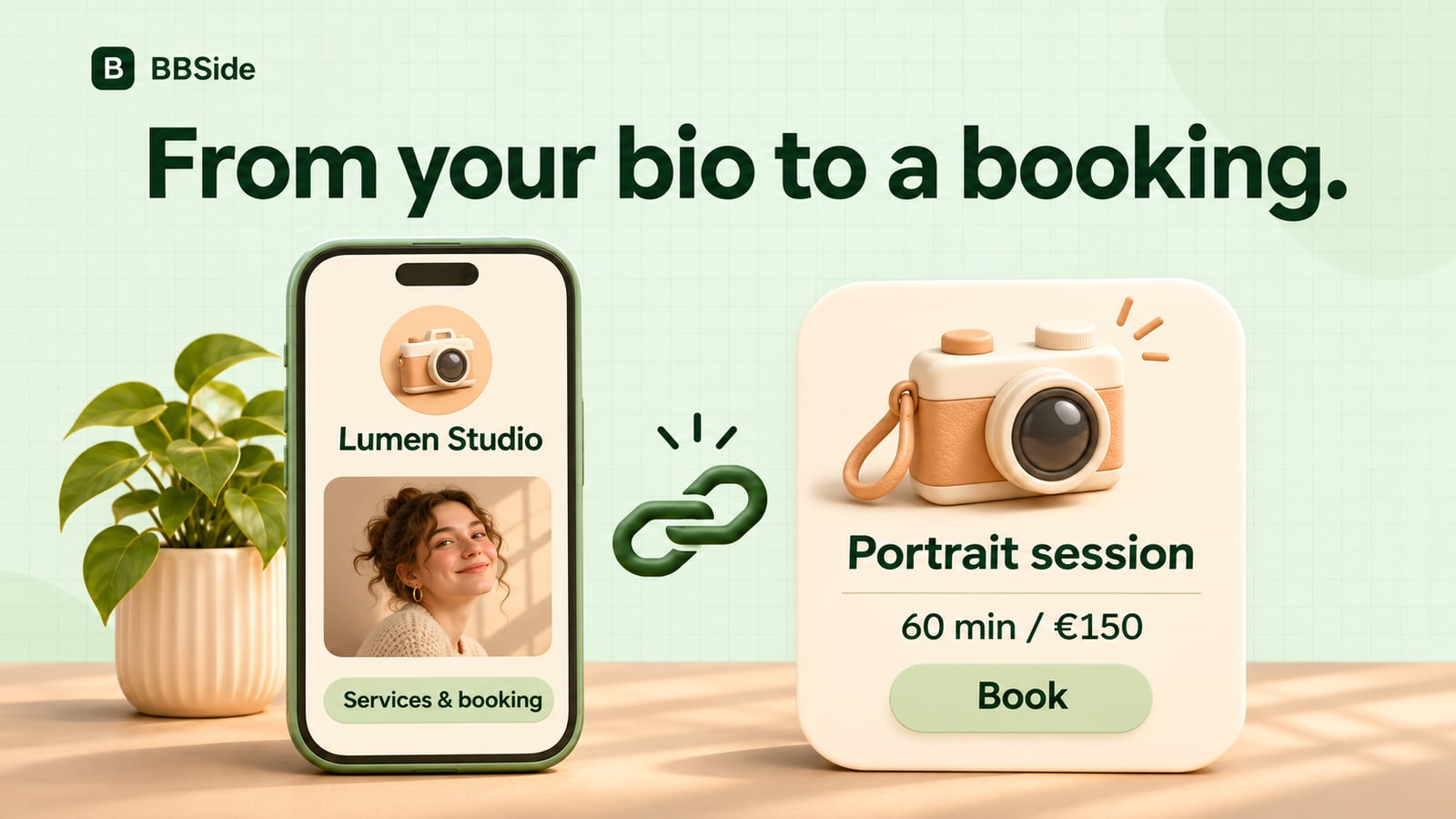
Add a booking link to your Instagram bio so customers can explore your services, see prices and request an appointment on your BBSide page.
Someone finds your work on Instagram. They like the photographs, recognise the service they want and open your profile. This is a good moment to give them somewhere to go next.
A booking link lets them move from your posts to your services and available times. You can keep using Instagram to show your work while your BBSide page handles the appointment request.
Choose where the link should lead
Your whole business page is a useful starting point when you offer several services. A new visitor can learn about you, compare options, see your location and choose what to book.
A link to one service makes sense when that is the main reason people visit your profile. A language tutor offering introductory lessons, for example, could send visitors straight to that lesson. A photographer with portraits, brand shoots and consultations might prefer the full page.
If people mostly ask for a range of prices, you can also link to a particular price list. Give it a title that tells them what is inside, such as “Treatments and prices”.
Choose the destination that best matches what your Instagram profile promises. A post about family portraits should make it easy to find family portraits when someone follows the link.
Put your booking link in your Instagram profile
First, publish your BBSide page and copy its public link. For a particular service, use that service’s share link from your public page.
In the Instagram app:
- Open your profile and choose Edit profile.
- Open Links and add an external link.
- Paste your BBSide link and give it a clear title.
- Save it, then open the link from your profile.
“Services and booking”, “Book a portrait session” or “Lessons and available times” gives visitors a reason to tap.
Instagram can change its menus. Its profile-link help is the place to check if an option has moved.
Show what happens after the tap
Your bio and your posts can make the next step feel familiar. A short line such as “Portraits in Prague · prices and booking below” tells people what they will find.
For a post about a particular service, a simple invitation works:
Want a portrait like this? You’ll find the session details and available times through the link in our profile.
On BBSide, customers can read the description, check the price and appointment length, choose an available time and send a request. They can book a service without creating an account, leaving an email address for updates. You review and confirm the request in your dashboard.
Your photos have already started the conversation. The page gives people the information they need to take it further.
Send a more specific link in a conversation
You do not have to send every person to the same starting point. Keep your general page in your bio and use a direct link when someone asks about one thing.
If a customer messages about a portrait session, send that service. If they ask about prints, send the print price list. Add a short answer to their question so the link feels like part of the conversation:
Yes, we offer individual portraits. Here’s the one-hour session with the price and available times.
This is especially helpful when your page has several kinds of offerings. Our guide to services, products and price lists explains how to organise them.
Try the journey on your phone
Before sharing widely, open the link from Instagram as a visitor. Follow it through to the service and the choice of time. Make sure the photographs, description, price and location tell the same story as your profile.
Then keep the destination useful. Update your existing services and schedules as your business changes, and replace the link if you remove the service it points to.
You can see the booking experience on our appointment booking page. Once your own page is ready, one well-placed link gives interested visitors a straightforward way to arrange their next visit.