Help Customers Find a Business That Speaks Their Language
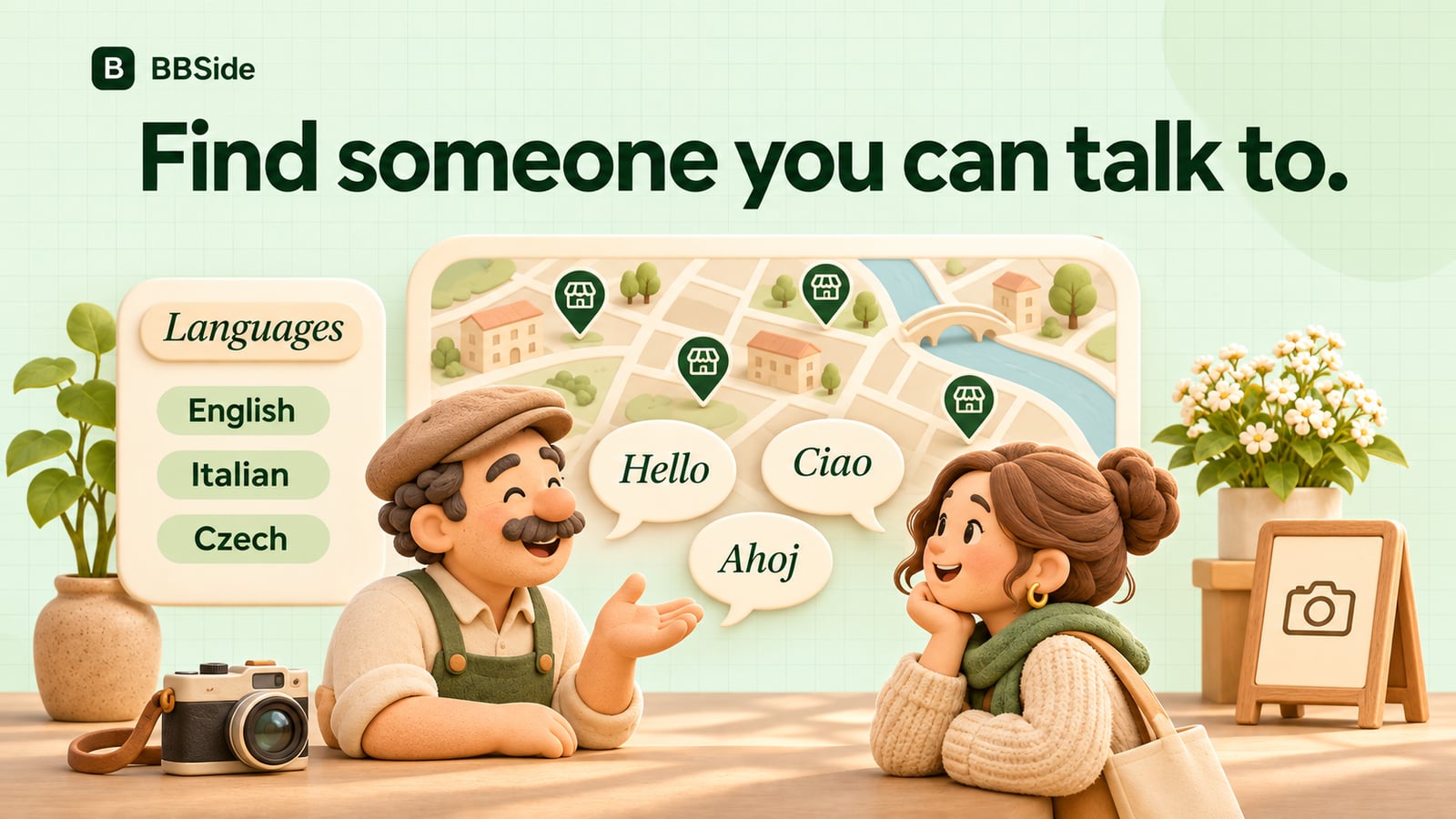
Help customers find a business they can comfortably speak with. Add your languages to your BBSide profile and appear in relevant map searches.
Someone has just moved to a city and needs a haircut. They can point to a photograph, but they would feel more comfortable discussing the details in a language they know well. Another person wants to ask an estate agent several questions before arranging a viewing.
Language can be part of choosing a business, alongside location, price, and the service itself. BBSide lets customers include it in their search and see the languages on a public business page.
Add the languages you use with customers
Choose your languages in your BBSide profile. Those languages appear on your business page and help match your page to the language filters on the map.
Pick the ones in which you can comfortably handle the conversations your work requires. For a photographer, that could include discussing the kind of session someone wants. For a repair service, it might mean understanding a fault and explaining the proposed work.
This gives a prospective customer a reason to get in touch even if they are still learning the local language. It is particularly helpful for visitors, people who have recently moved, and customers arranging something for a family member.
Think about the first question someone wants to ask
A language match is useful because it makes a real conversation easier. A customer may want to ask whether you can work with a particular material, what an appointment includes, or whether a property suits their needs.
Give them a clear introduction to your business, useful service descriptions, and a way to reach you. The language information then sits alongside the details they need to decide whether you are a good fit.
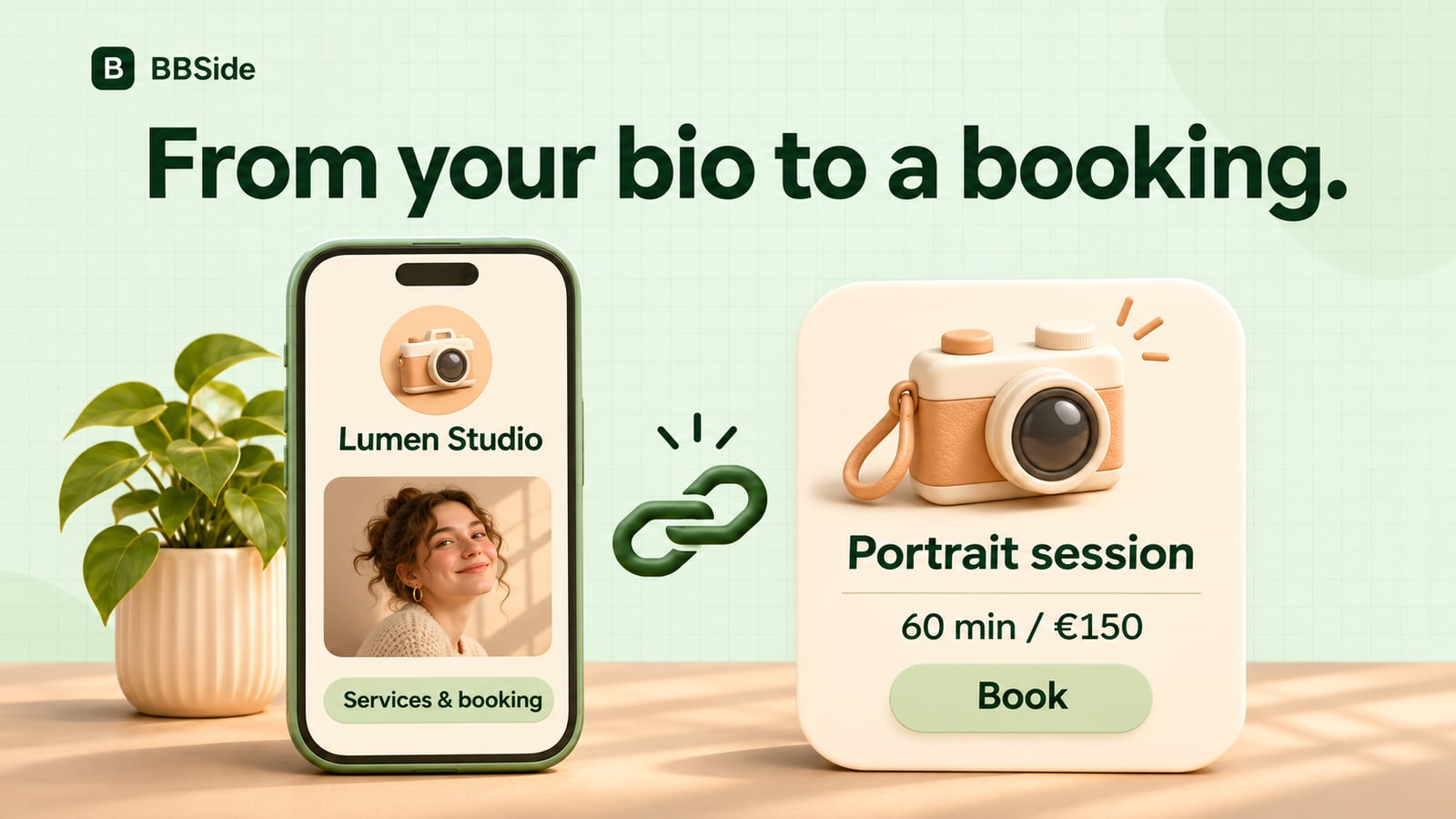
For example, a photographer in Prague who speaks Czech and English can present portrait sessions with their length and price. An English-speaking visitor can understand the offer and send a question about the session before booking.
Our small-business page checklist covers the information that helps someone make that decision.
Let people narrow their search on the map
In the business search, customers can choose languages and explore a country, city, or area of the map. People who have saved languages in their own profile can also use Match my languages.
They can open a business marker, look at the page, and continue to its services, products, or contacts. The language information is visible on the page as well, so someone arriving through a shared link can see it too.
For a customer in an unfamiliar city, this can make a broad search feel more manageable. They can start with businesses they know they will be able to speak with, then compare the offers that interest them.
Make it easy to continue the conversation
Your public contacts and BBSide chat give customers ways to ask about the work. A message such as “Could we discuss a product shoot in English?” can turn a language match into a useful enquiry.
Direct links to a service or product are handy once you know what someone is looking for. You can send the relevant offer and keep discussing the details in the same conversation.
When the customer is ready for an appointment, they can book a service without creating an account. If you agree on something through chat, you can also send a payment link from there.
Keep your profile languages up to date as the way you work changes. Together with a clear page and responsive contacts, they help people approach your business with a little more confidence. You can explore the business map to see the search experience from the customer's side.