What should a small business page include?
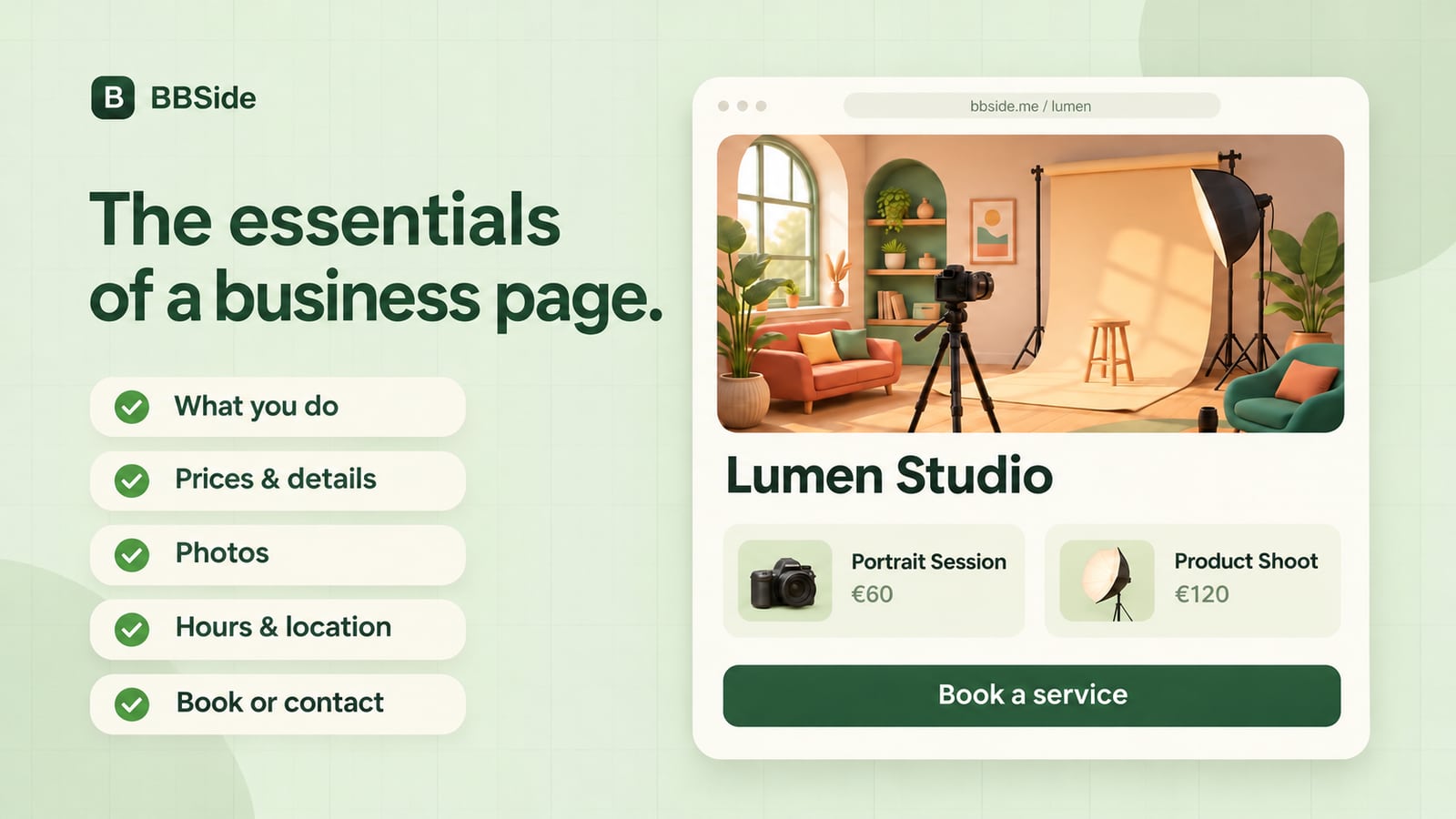
A useful small business page explains what you offer, what it costs, where you work, and how to book or get in touch. Use this checklist before publishing.
Imagine someone opening your page for the first time. A friend sent them your link, they found you on a map, or they followed you from social media. They know very little about your business, and they may be looking at it on a phone between other things.
Your page should help them answer a few practical questions: Is this what I need? Can I get there? What does it cost? What should I do next?
You can answer those questions on a single, well-organised page. Here is what to include, with examples from Lumen, a fictional photography studio. Its services, prices, and details below are illustrative.
1. A clear name and a useful first sentence
Put your business name where people can see it immediately. Follow it with a sentence that explains what you do, who you help, or where you work.
An unfamiliar visitor should not have to decode a slogan before understanding your business.
For Lumen, that might be:
Lumen Daylight Studio
Portrait and product photography in Prague, with a relaxed studio experience.
That sentence gives someone enough context to keep reading. A phrase such as "Capture the extraordinary" might fit the brand, but it needs a concrete explanation beside it.
If you work remotely, travel to customers, or serve a particular area, say so near the top. "Online language lessons for adults" and "Bicycle repairs at your home in Bristol" answer different questions straight away.
2. Offerings people can understand and compare
Give each main service or product its own name and description. Explain what the customer receives, including any detail that changes their decision.
For a service, useful details often include its duration, what is included, who it suits, and anything the customer needs to prepare. For a product, they might include size, materials, available options, and how to collect or receive it.
Compare these two descriptions:
| Too little information | Enough to make a choice |
|---|---|
| Portrait session | A 45-minute studio session for one person, including six edited digital photographs. Bring up to two outfits. |
| Photo book | A 20-page, 25 × 25 cm hardcover book printed with photographs from your session. Collect it from the studio. |
Lead with your most useful offerings. You can add more as the page develops; you do not need to list every possible variation before publishing.
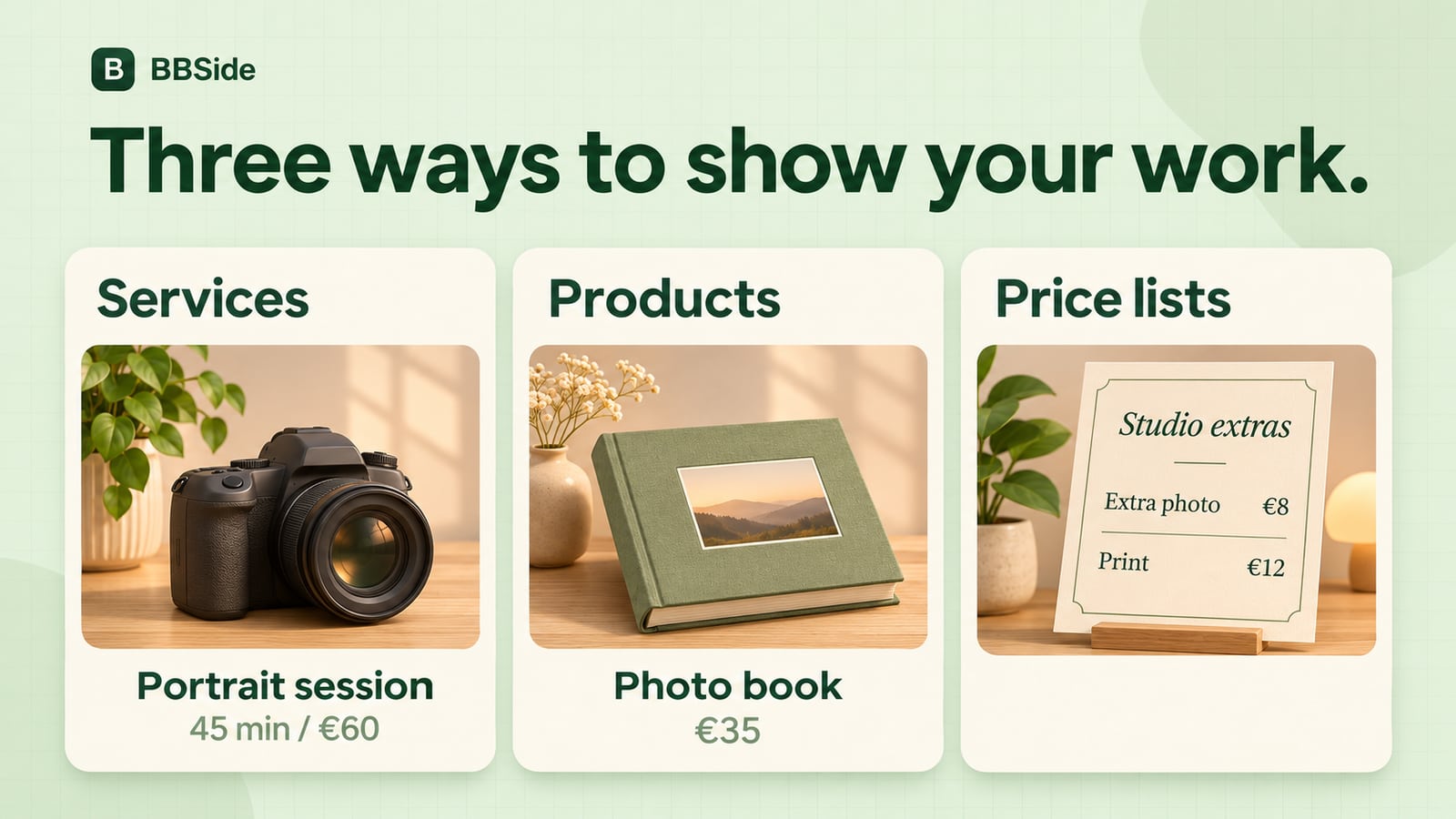
In BBSide, individual services and products can have their own cards. A price list works well for a broader menu of treatments, packages, or extras that customers want to scan together.
3. Prices with enough context
A number is easier to understand when the customer knows what it covers. Put the currency beside the amount and explain the unit: per session, per item, per hour, or for a complete package.
For example:
Portrait session — €60
Includes 45 minutes in the studio and six edited digital photographs. Additional edited photographs are €8 each.
If the final price depends on the work, explain what affects it. "Product photography from €120 for up to five items; larger collections are quoted separately" gives someone a starting point.
Where a fixed price would be misleading, describe how to get a quote and what information to send. A furniture restorer might ask for photographs, dimensions, and the type of repair needed.
If a deposit, delivery charge, or optional extra applies, make that clear before the customer commits.
4. Photos that show the real business
Choose a cover image that represents the experience or work someone can expect. Then use your other photographs to answer questions the cover cannot.
For Lumen, a useful selection could show the studio, a finished portrait, a product photograph, and the printed photo book. Each image has a different job.
For your business, consider showing:
- The space customers will visit, including the entrance if it is hard to find.
- Examples of your work or the products you sell.
- The person or team behind the business.
- Details that help people judge scale, finish, or what is included.
Use photographs you have permission to publish. Check the crop on a phone, too: a wide image that looks good on your computer can lose its subject in a smaller card.
5. A short introduction to the person behind it
An About section should help a customer understand who they will be dealing with and what working with you is like.
Start with a short paragraph. Include relevant experience, your approach, and something specific about the service you provide.
For example:
I help people feel comfortable in front of the camera, including those booking their first professional portrait. Before your session, we will talk about how you plan to use the photographs and choose a setup that suits you.
That gives a potential customer a useful expectation. If you have a longer story to tell, put it after this short introduction so the essentials remain easy to find.
6. Location, hours, and contact details
Make it clear where and when customers can reach you. Include your address or service area, a map position when relevant, and any practical arrival instructions.
Opening hours and appointment availability deserve separate attention. A studio may be open Monday to Friday, while portrait sessions are available only on certain afternoons. A repair business may accept drop-offs during opening hours but arrange home visits by appointment.
State which arrangement applies to you. Keep holiday hours and other exceptions current.
Give people at least one contact method you actively monitor. If useful, add the languages you speak and a realistic indication of when you usually reply.
7. Booking and ordering that work
To make a service bookable, connect it to an active booking calendar and check that the schedule reflects when you can accept appointments. For products, keep the price, stock, and ordering details up to date.
Open the public page as a visitor and check the available booking and ordering options. Can someone find the right offering, choose an available time or product quantity, and understand what they are requesting?
Use your offering descriptions to explain any preparation, confirmation, or payment arrangements. If you send a separate payment link, explain when it will arrive. A customer should be able to tell whether they have sent a request, secured an appointment, or completed a payment.
For work that needs a conversation first, give customers a monitored contact method and say what information to send, or use BBSide's chat to talk directly with your customers.
8. A final check on your phone
Before sharing your page, open its public link on a phone and walk through it as a new customer. If possible, ask someone unfamiliar with the business to try it too.
Can they explain what you offer after reading the first screen? Find the price of your main service? Work out how to reach you? Open the relevant booking or ordering form and understand what to do?
Use this final checklist:
- My name and first sentence explain what the business does.
- Each main offering says what the customer receives.
- Prices include the currency and what the amount covers.
- Photos represent the business and look right on a phone.
- The About section introduces the person or team behind the work.
- Location, hours, and contact details are accurate.
- The available booking and ordering options work on the public page.
- Descriptions explain any preparation, confirmation, or payment arrangements.
You can refine your descriptions and add more detail over time. Start with accurate information, well-prepared offerings, and booking and ordering options that are ready for customers to use.
If you are building yours with BBSide, our introduction to the platform explains how the page, offerings, bookings, and workspace fit together.