Online Booking for Small Salons: From One Chair to a Team
Take bookings for your salon on BBSide. Give each stylist their own calendar and let clients choose a service and request a time from one salon page.
On Saturday morning, Rae is doing a colour appointment and Jo has a chair free for a cut. A client who wants a haircut can book with Jo from the same salon page they’ve used before. A client who wants colour can go straight to Rae’s available times. Both clients can do it from their phones while you’re busy in the salon.
One salon page, a calendar for each stylist
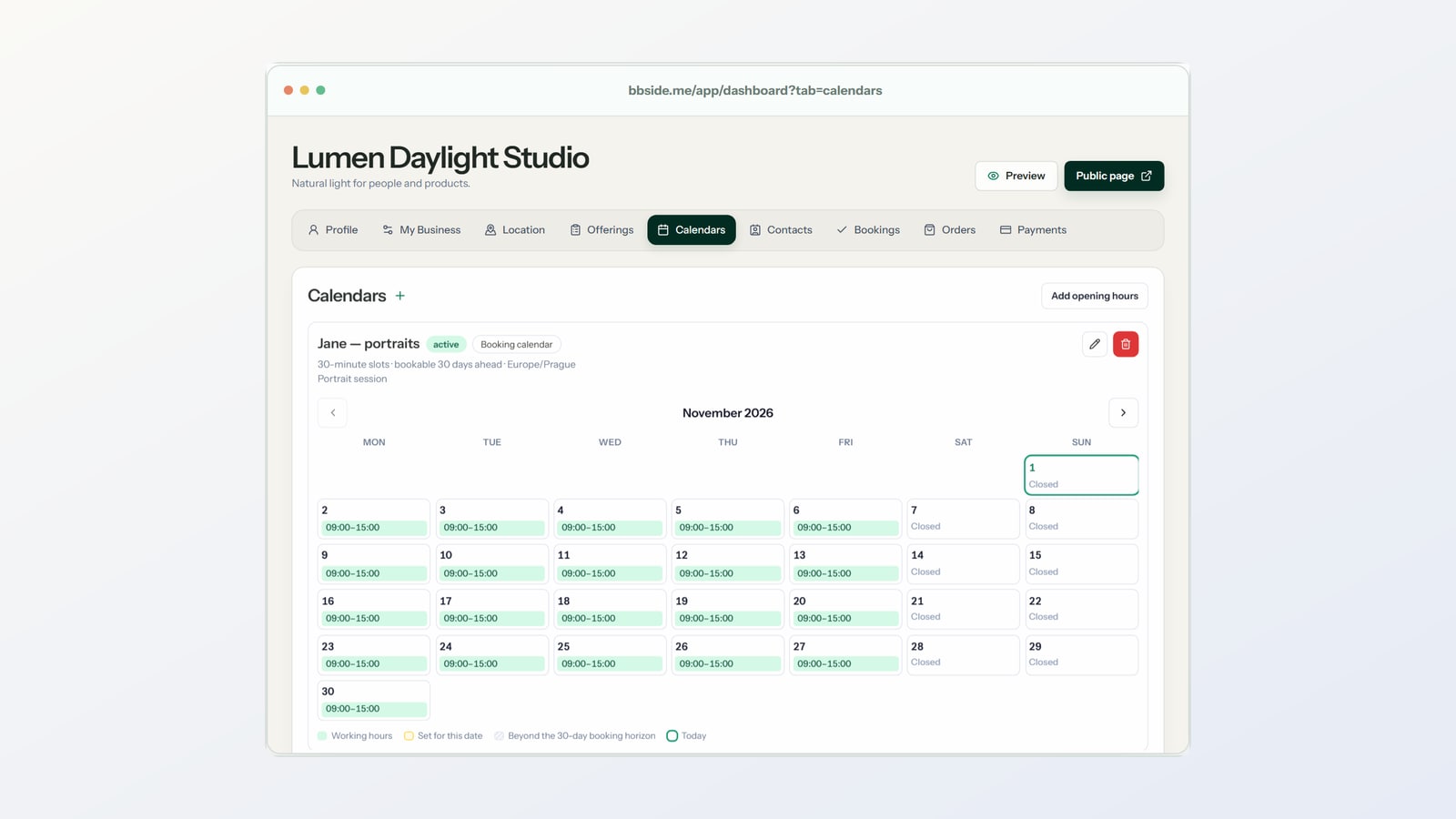
Set up a calendar for each person who takes appointments. Rae might work Tuesday through Saturday, while Jo starts later on Thursdays and takes appointments on Mondays. You can give each of them their own hours and change a single day when one of them is away. A booking with Rae at 10:00 leaves Jo’s 10:00 available.
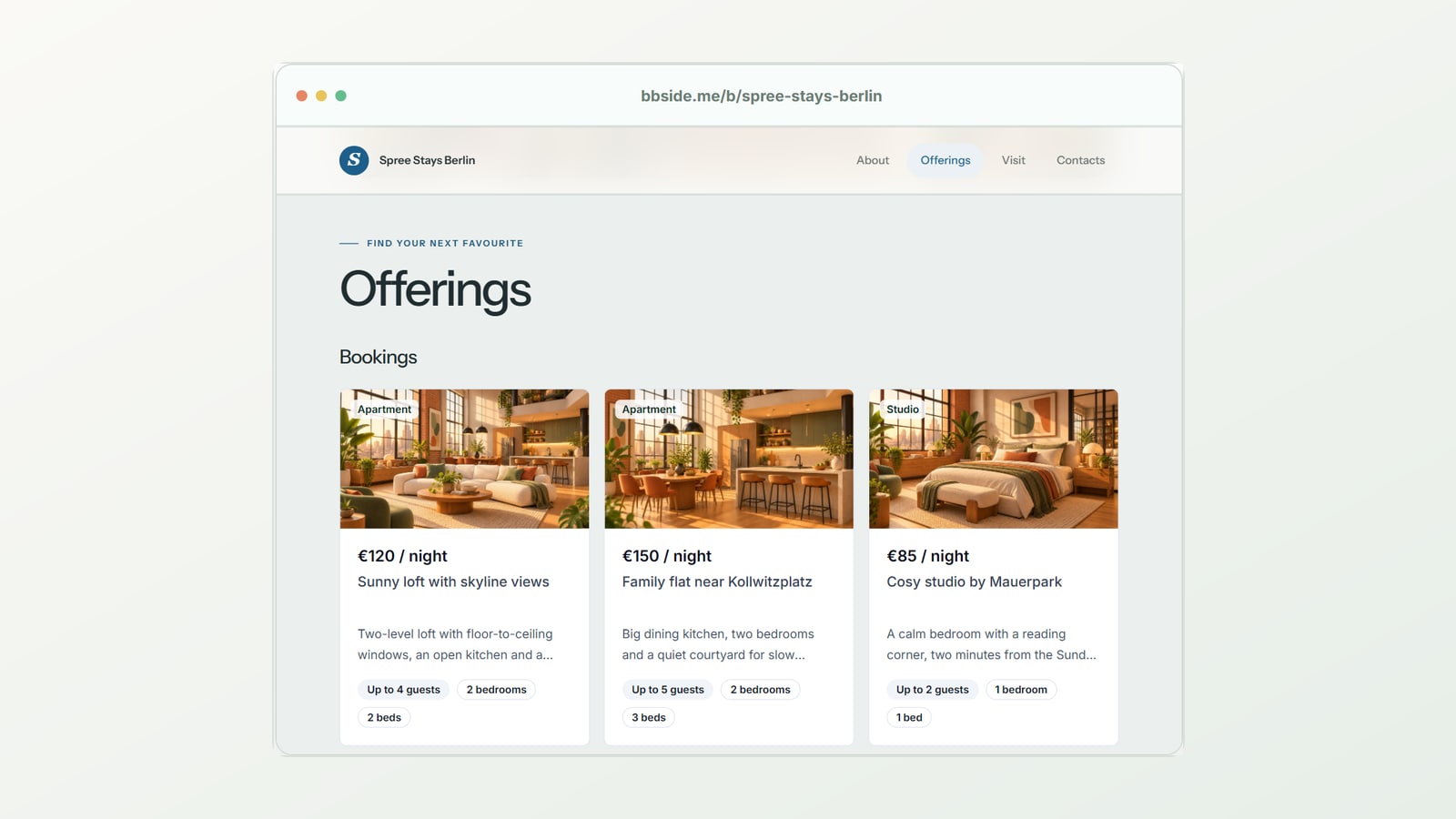
Add your haircut once and offer it on both calendars. Assign colour to Rae’s calendar. Someone opening the colour service can request a time with Rae. For a cut, they can choose either stylist. Each service keeps its own price, photos and appointment length, so you can update the haircut price once for the whole salon.
Clients can book from a link you share
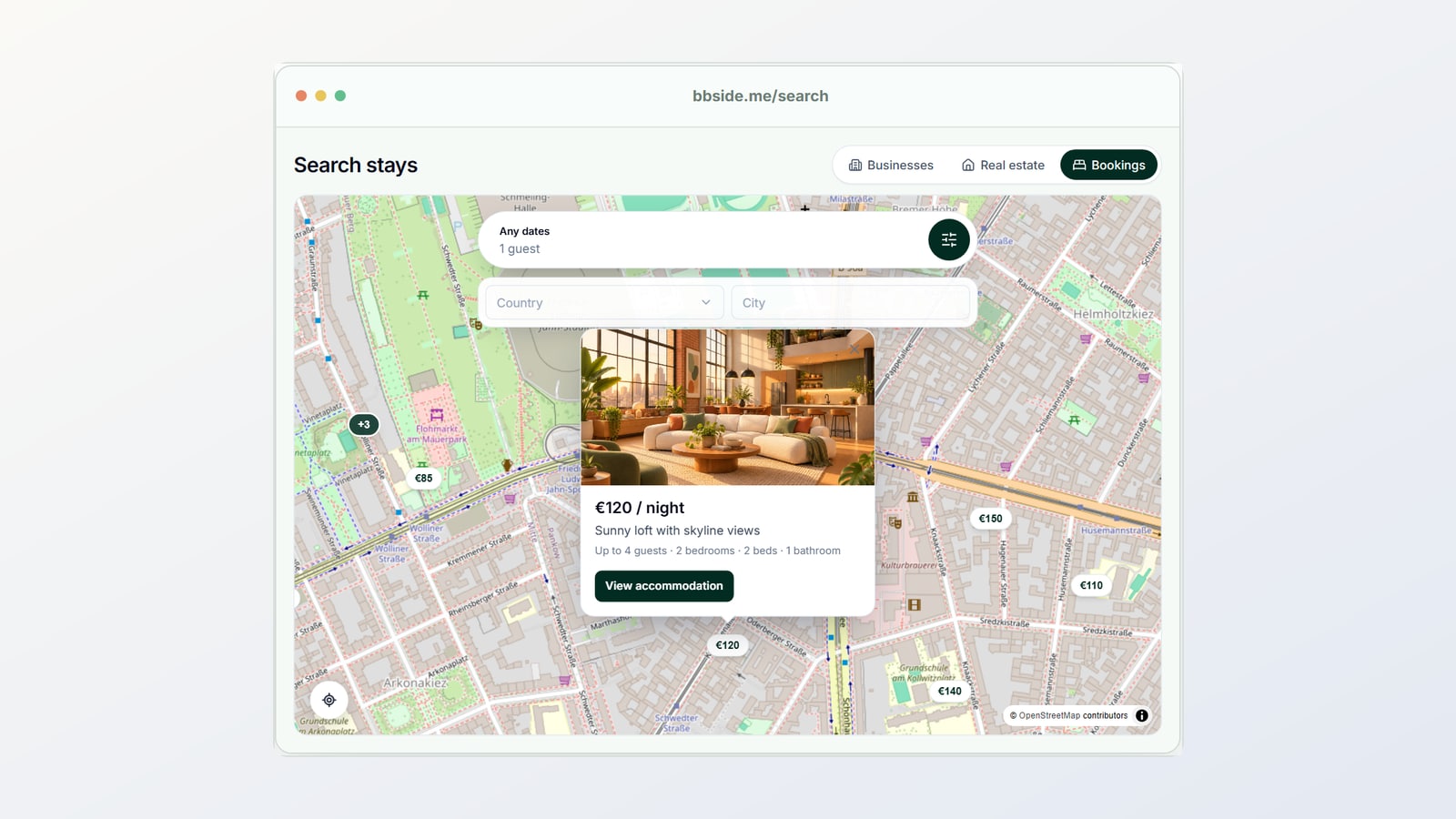
A new client opens your salon page and sees your work, your prices and what each appointment includes. They can choose a time and leave their contact details in the browser, without signing up. Send the whole page to someone who wants to browse, or share a booking link in your Instagram bio so people can go there as soon as they find you.
The request arrives in BBSide with the service, stylist’s calendar, time and client’s details. Confirm it in your dashboard and the client receives a confirmation email. If you need the evening before to prepare for a colour appointment, set a booking deadline for colour. Haircuts can stay available at shorter notice.
Keep the rest of the salon on the same page
Clients who ask “How much is toner?” can open your treatment price list before booking. If you stock the shampoo you use in the salon, add it as a product so clients can request a bottle for collection. You can share the salon, an individual treatment, a product or a price list directly.
If you work by yourself, BBSide’s Free plan gives you one booking calendar. As you add stylists, you can add their calendars on a plan that fits your team and keep the page link your clients already use.
See the BBSide booking demo for the client’s view and the salon’s view, then set up your first appointments.