How to Share an Online Price List That Stays Up to Date
Share an online price list that customers can open on their phones. Organise your prices in BBSide and keep the same link when you update them.
Someone asks for your prices. You send a screenshot, then remember that one of the amounts changed last week. Another customer has saved an older PDF. A third wants to know whether the price includes the finishing work.
An online price list gives you one place to keep those details. In BBSide, you can group items into categories, add short descriptions, and send a link that opens the list on your business page.
Give each list a clear purpose
A useful price list answers a recognisable question. “Haircuts and styling”, “Studio extras”, or “Treatments” tells customers what they will find before they start reading.
If your business has several distinct ranges, you can give each its own list. A photography studio might have one for prints and albums and another for optional session extras. A salon could separate hair services from beauty treatments.
That also makes sharing more useful. When someone asks about prints, you can send the print list directly rather than asking them to search through everything you offer.
Organise it the way customers choose
Categories help people find the part they came for. Use names they would use themselves: “Prints” and “Albums” are easier to scan than an internal collection name.
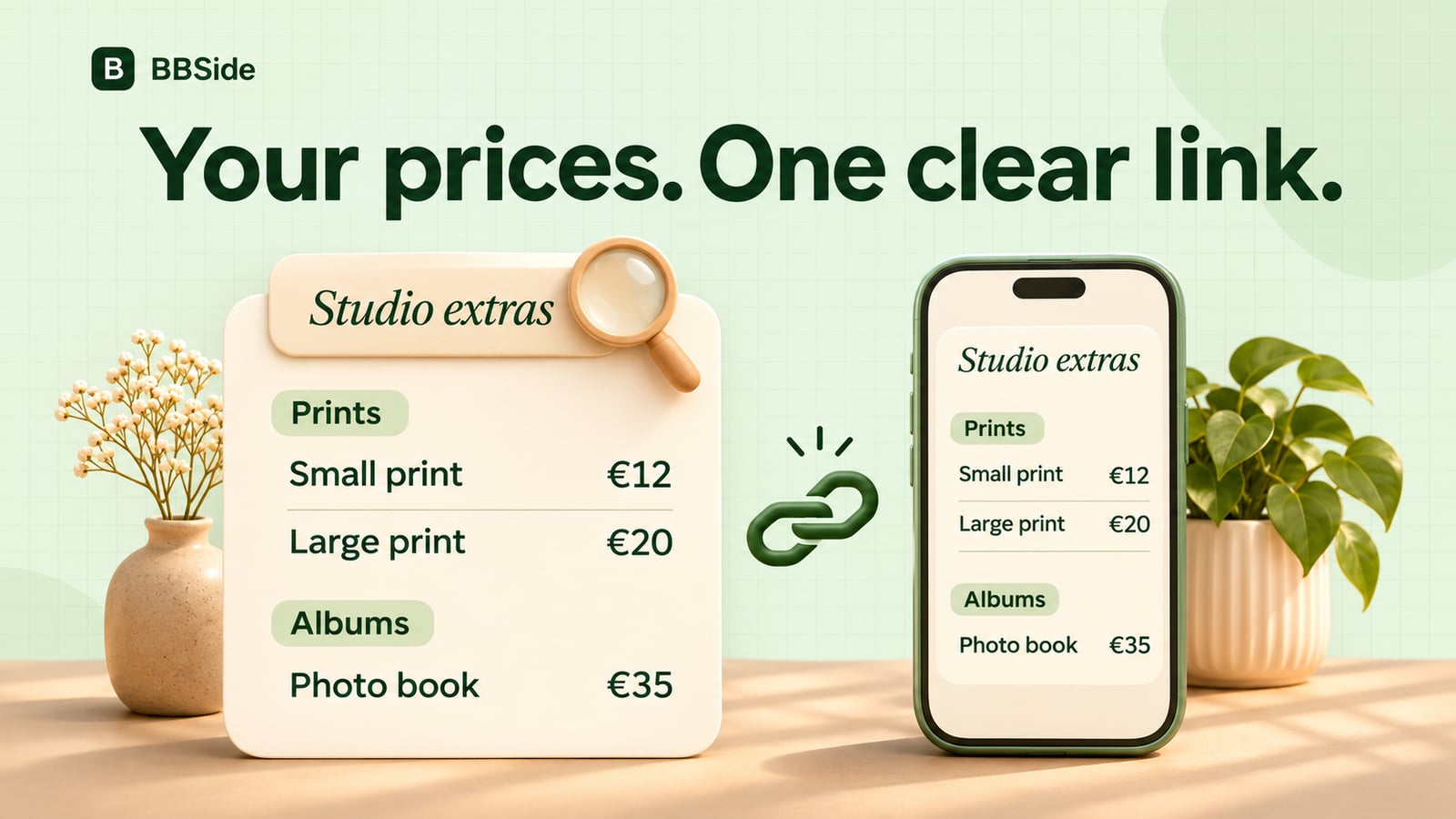
Here is a small example for Lumen, our fictional photography studio:
| Category | Item | Description | Price |
|---|---|---|---|
| Prints | Small print | 15 × 20 cm, matte paper | €12 |
| Prints | Large print | 30 × 40 cm, matte paper | €20 |
| Albums | Photo book | 20 pages with your selected photos | €35 |
The descriptions answer the questions that would otherwise arrive in a follow-up message. The customer can compare sizes and understand what the photo book includes.
Within each category, put the most useful choices first. A long list becomes easier to browse when similar items sit together and names follow a consistent pattern.
Make the price easy to understand
A number is most useful when the customer knows what it buys. Say whether an item is one print, a pair, a session, or another clear unit. Use the short description for the detail that helps someone choose: size, material, quantity, or what is included.
You do not need to fit your whole sales conversation into each line. A name, a price, and one helpful sentence will often do more than a paragraph of promotional wording.
In BBSide, price lists live under Offerings → Price lists. Each has its own name, categories, and items. If you are deciding which things belong in a list and which deserve a full service or product card, see Services, products, or price lists.
Send people straight to the right list
Each public price list has its own shareable link. Opening it takes the customer to your business page with that list already open.
Use it wherever people ask about prices: a reply to an enquiry, an email signature, or a social profile. In a conversation, one sentence is enough:
Here are our print sizes and prices. If you'd like help choosing, send me a message.
Customers can use your contacts or BBSide chat to ask about an option while browsing the list on your page.
Update the list, keep the link
When your prices change, edit the existing list. The same link opens its updated version, so you can keep using the address you have already shared.
This is particularly useful for a price list you send regularly or keep in your social profile. Someone opening that link later sees the current list rather than an old attachment.
Before sharing your first list, open it on your phone and read it as a customer: are the categories clear, are the sizes or quantities explained, and can you quickly find a price? A few thoughtful names and descriptions make it much easier for someone to choose.
When the customer is ready to pay for an agreed item or service, you can send a payment link or show a QR code.