Meet BBSide: a new home for your business
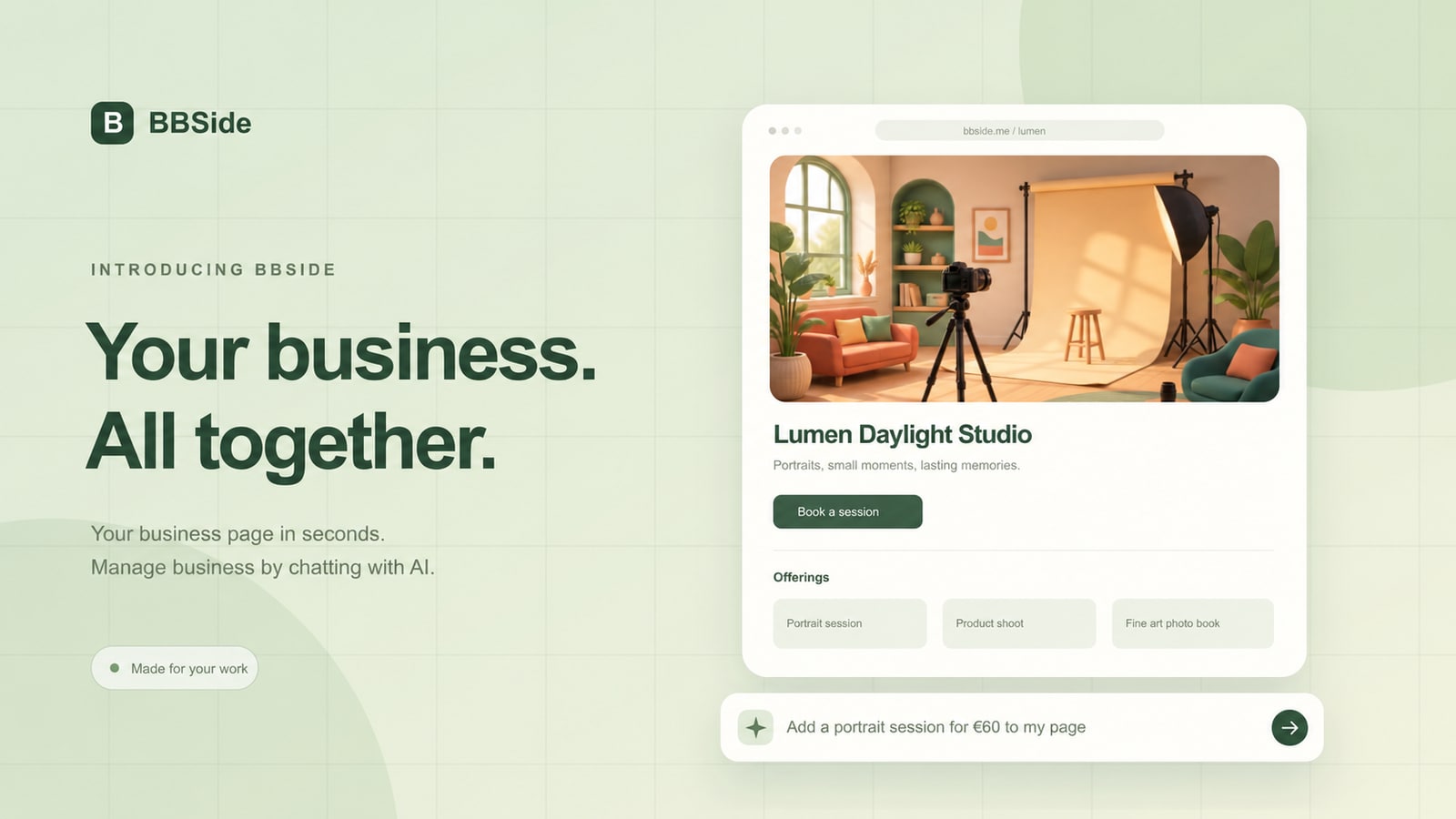
BBSide brings your business page, offerings, bookings, orders, and customer conversations into one place. Start with a few words about what you do, and build a page that helps people take the next step.
Running a small business means being the person behind the work and the person keeping everything organised. Your online presence should make that easier. That is the idea behind BBSide: a clear public page for your customers, with a practical workspace behind it for you.
From an idea to a business page
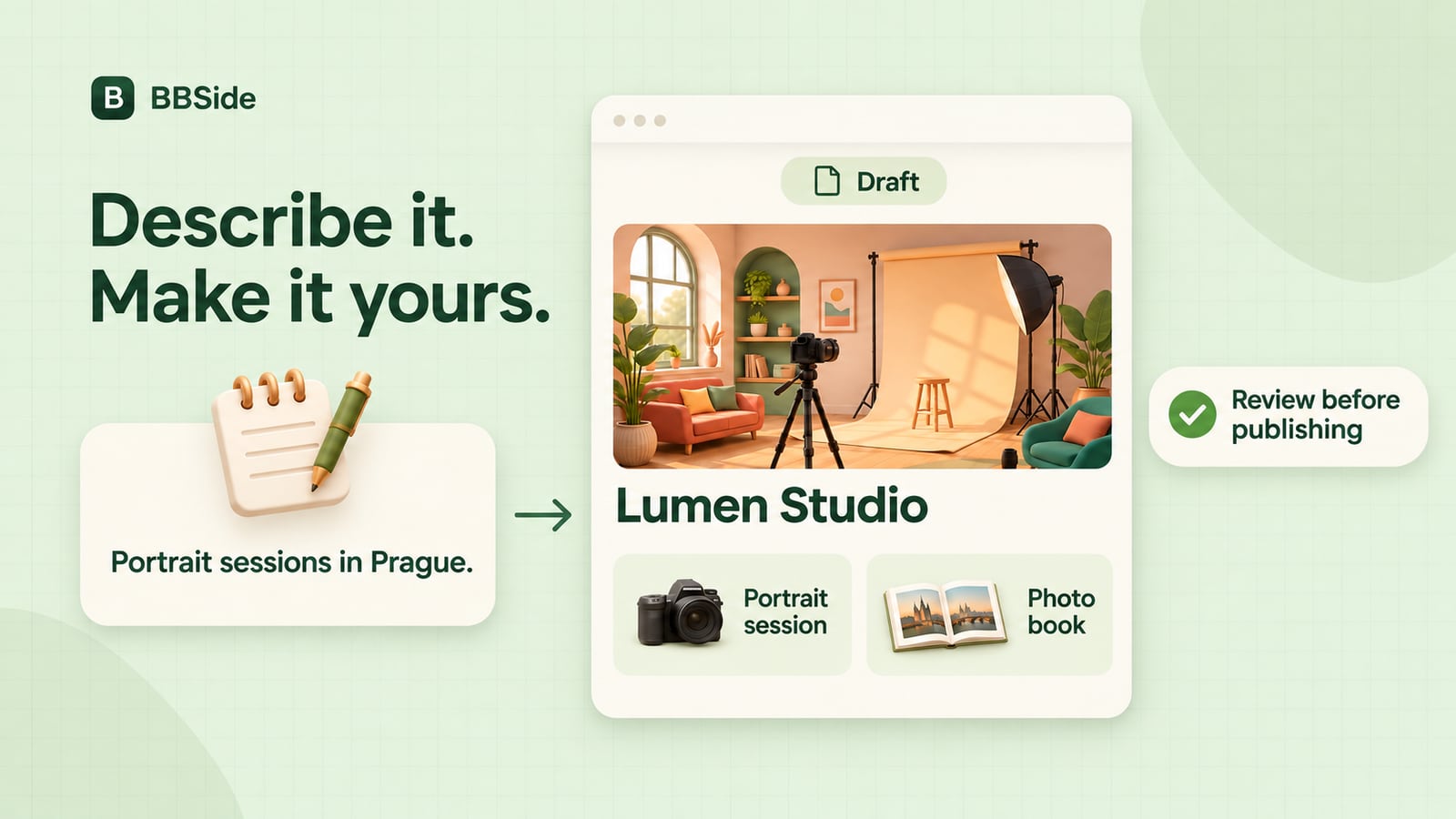
Tell BBSide about your business in your own words. What do you offer? Who is it for? Where do you work? AI turns that description into a structured starting point for your page.
You can review and refine the result before publishing, or build your page by hand. Add a cover image, introduce yourself, write a short description, and choose a visual theme that feels like your business. Your page has its own link, ready to share in a message, on social media, or with a new customer.
Put your offerings in one place
Give customers a useful view of what you do, rather than making them piece it together from separate posts and messages.
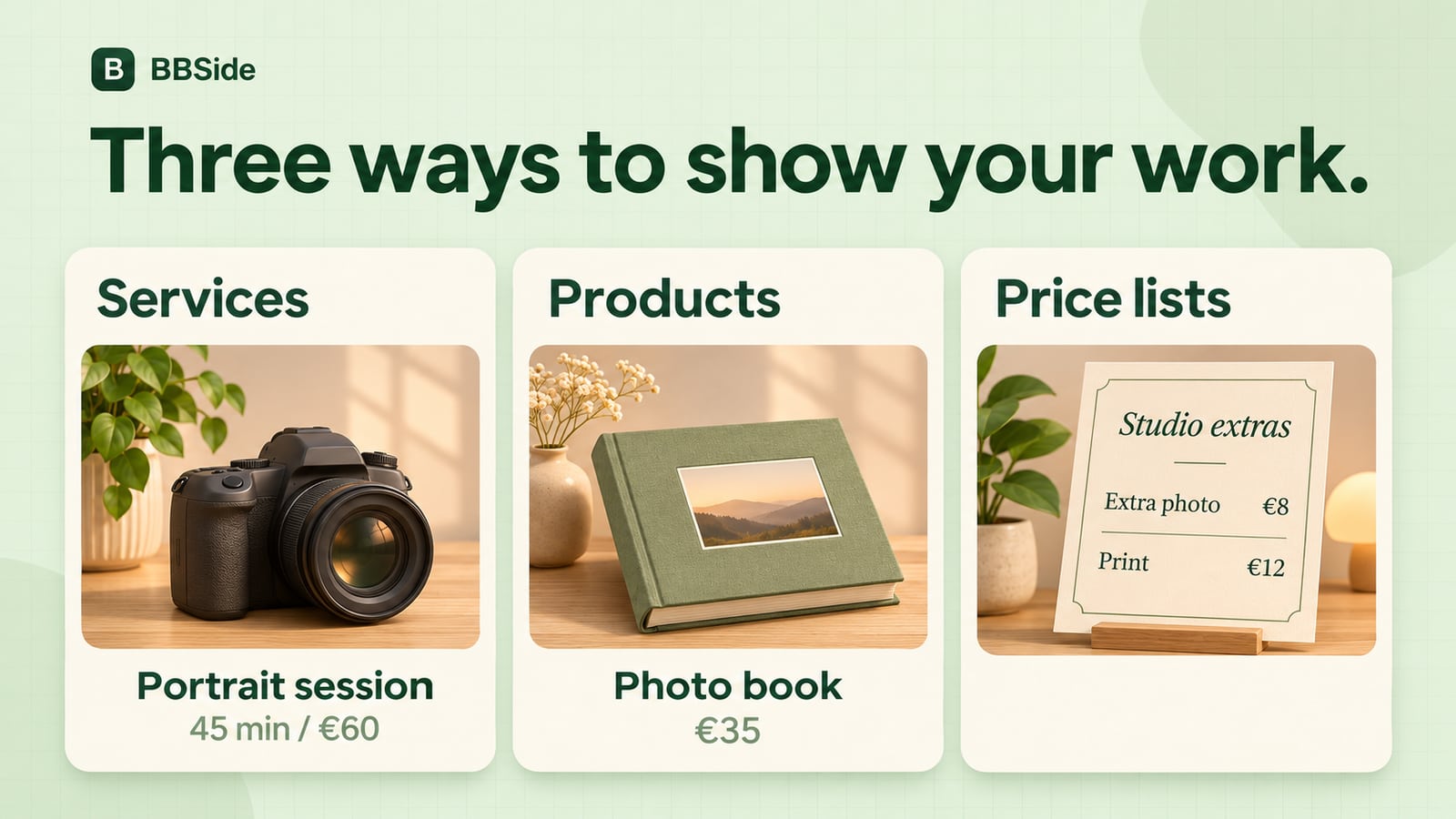
- Services bring together a description, photos, a price, and a duration. Connect bookable services to your calendars so customers can choose an available time.
- Products have their own photos, descriptions, prices, and stock information. Customers can send an order request directly from your page.
- Price lists let you publish a broader menu of what you offer, organised into categories. Each item can have a price, a currency, and a short description. Share a link to a specific price list when someone asks for the details.
BBSide also has specialised tools for other kinds of businesses. We will explore those in dedicated posts; the foundation is the same: help people understand your offering and act on it.
Make availability clear
Opening hours and booking availability answer different questions. Your opening hours tell people when your business is open, including overnight hours and special dates. Booking calendars show when a particular service can be booked.
Set your weekly schedule, add date overrides when plans change, and connect services to the right calendars. If you need preparation time, booking rules let you set an advance deadline for a calendar, a service, or a specific combination of the two.
Customers can see available slots on your public page and send a booking request. You manage those requests in your dashboard, alongside product orders and their history. Customers do not need to create an account just to book or order.
Keep the conversation connected
A booking or an order is often the beginning of a conversation. BBSide includes customer chats so you can discuss the details without losing track of the request.
For businesses that connect Stripe, payment links add another way to move things forward. Create a payment request for an offering, share it in a chat, or show its QR code to a customer. Payment requests appear as cards in the conversation, keeping the amount and the next step easy to find.
Manage your business by chatting with AI
The AI assistant is part of the workspace, not just the page-creation flow. Use it to help update your business information, work on offerings, or manage your schedule in natural language.
For example, you might ask:
Add a 45-minute portrait session for €60, and make it available on my main calendar.
You can also make changes directly in the dashboard. The assistant and the regular controls work with the same business information, so you can choose whichever approach suits the task.
Help people find you
Your public page brings your location, contact options, offerings, and availability together. Add your city and address, place your map pin, and include the languages you speak so customers know how to reach you.
People can discover businesses through the map, browse their offerings, and open a page to learn more. A shared link gives returning customers the same place to find updated information, book again, or start a conversation.
Start small, make it yours
You do not need to configure everything on day one. Start with the essentials: explain what you do, add your main offerings, and make your contact details clear. Add booking calendars, price lists, and payments as your workflow needs them.
Start for free and tell us about your business. We are building BBSide to make the everyday work around your business feel a little more manageable, and we will share what comes next here on the blog.