Set Up Accommodation Listings with BBSide for Bookings
Give your short-stay accommodation a BBSide listing with photos, nightly prices, availability, and a calendar guests can use to book their stay.
Guests choosing somewhere to stay need to picture both the place and the visit. They want to know whether it suits their group, what their dates will cost, and how arrival will work.
BBSide for Bookings lets you put those details on your business page. Each accommodation has its own listing and calendar, so you can offer a single apartment or manage several places from the same dashboard.
Describe the stay people can expect
Add the accommodation under Offerings → Bookings, with its name, description, base nightly price, and location. You can list apartments, houses, villas, cabins, rooms, and hotels.
Show how many guests the place accommodates, along with the bedrooms, beds, bathrooms, and amenities. Details such as Wi-Fi, parking, a kitchen, or self check-in help guests decide whether it fits the trip they are planning.
Use the description for the things you would mention when showing someone around. Explain the sleeping arrangement, what the outdoor space is like, or anything guests should know about access. Give each property its own address and map pin, especially when it is somewhere different from your office.
Show the whole place through the gallery
You can add up to 50 photographs and choose the one that becomes the cover. Lead with an image that gives a clear impression of the accommodation, then take guests through the spaces they will use.
A bedroom photograph helps someone understand the bed arrangement. A kitchen photograph can answer questions about cooking. The entrance, bathroom, and outside space help complete the picture.
Arrange the images in a useful sequence and keep the written description consistent with what guests see. That gives them a better basis for choosing their stay and asking any remaining questions.
Set nightly prices and available dates
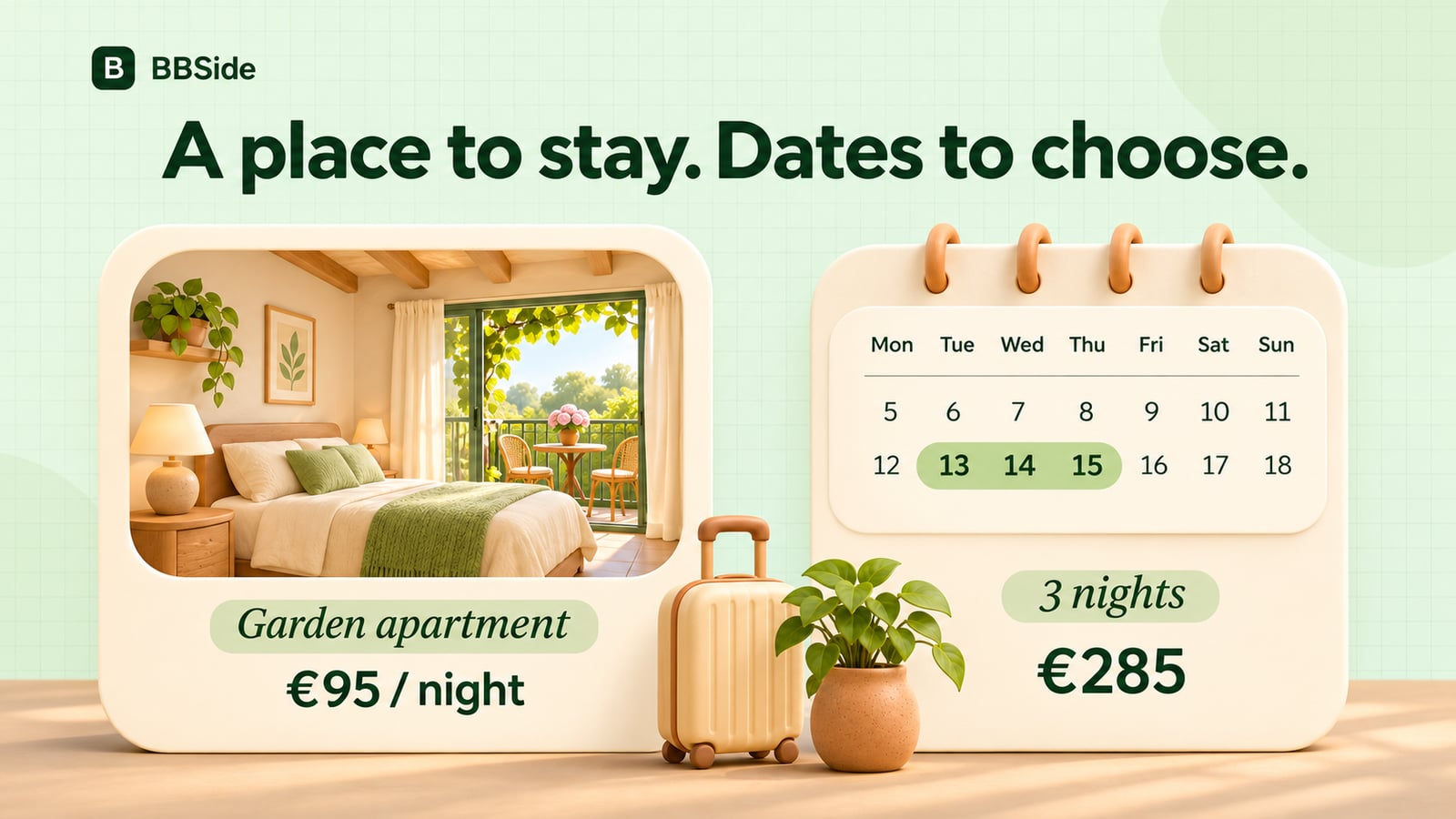
Each accommodation has an individual calendar. Set the base price for an ordinary night, then use date prices for periods when you charge a different amount, such as weekends or holidays.
For example, a small apartment might normally cost €95 per night and €120 during a particular holiday weekend. Guests choosing their dates see the total for that stay, including the prices set for the selected nights.
You can close nights when the place is unavailable or keep a date range aside for your own use. Booked nights are reflected in the calendar so the next guest can choose from the remaining availability.
Make arrival and stay lengths clear
Set your minimum and maximum number of nights, how far ahead guests can book, and the check-in and check-out windows. These choices help shape the visits you want to accept.
A three-night minimum might suit a holiday apartment, while shorter stays may work well for a city room. Check-in and check-out hours give guests practical information for planning their journey and departure.
Guests requesting accommodation sign in with a BBSide account and provide a phone number and an expected arrival window. Their request appears in your dashboard with their dates, contact details, and the total. You have 24 hours to confirm or decline it; requests don't hold the dates, and confirming one closes the other requests for the same nights. Guests follow their requests in My Stays.
Help guests find the place and continue the conversation
Visitors can search the BBSide map in Bookings mode, choosing dates, guest numbers, and other preferences. Price markers put accommodation at its actual location, and the selected dates carry through when someone opens a stay.
You can also share a direct link to a particular accommodation when answering an enquiry. The guest has the gallery, amenities, prices, and availability together, with your business page and contacts close at hand.
For an agreed payment, you can send a payment link or show a QR code. You can also offer related services or products, such as an airport transfer or a welcome basket, on your page.
The number of active accommodation listings depends on your subscription plan. Explore BBSide for Bookings to see how the listing, nightly calendar, and guest journey fit together.