How to Set Seasonal Prices for a Vacation Rental
Set seasonal prices for your vacation rental in BBSide. Reuse a season each year, set a rate for each apartment and adjust individual nights.
A Berlin apartment may have a usual nightly rate, a higher price through winter events and a different price over the holidays. With BBSide, you can set those prices in advance. Guests choose their arrival and departure dates and see the total for their stay.
Set a base price for an ordinary night
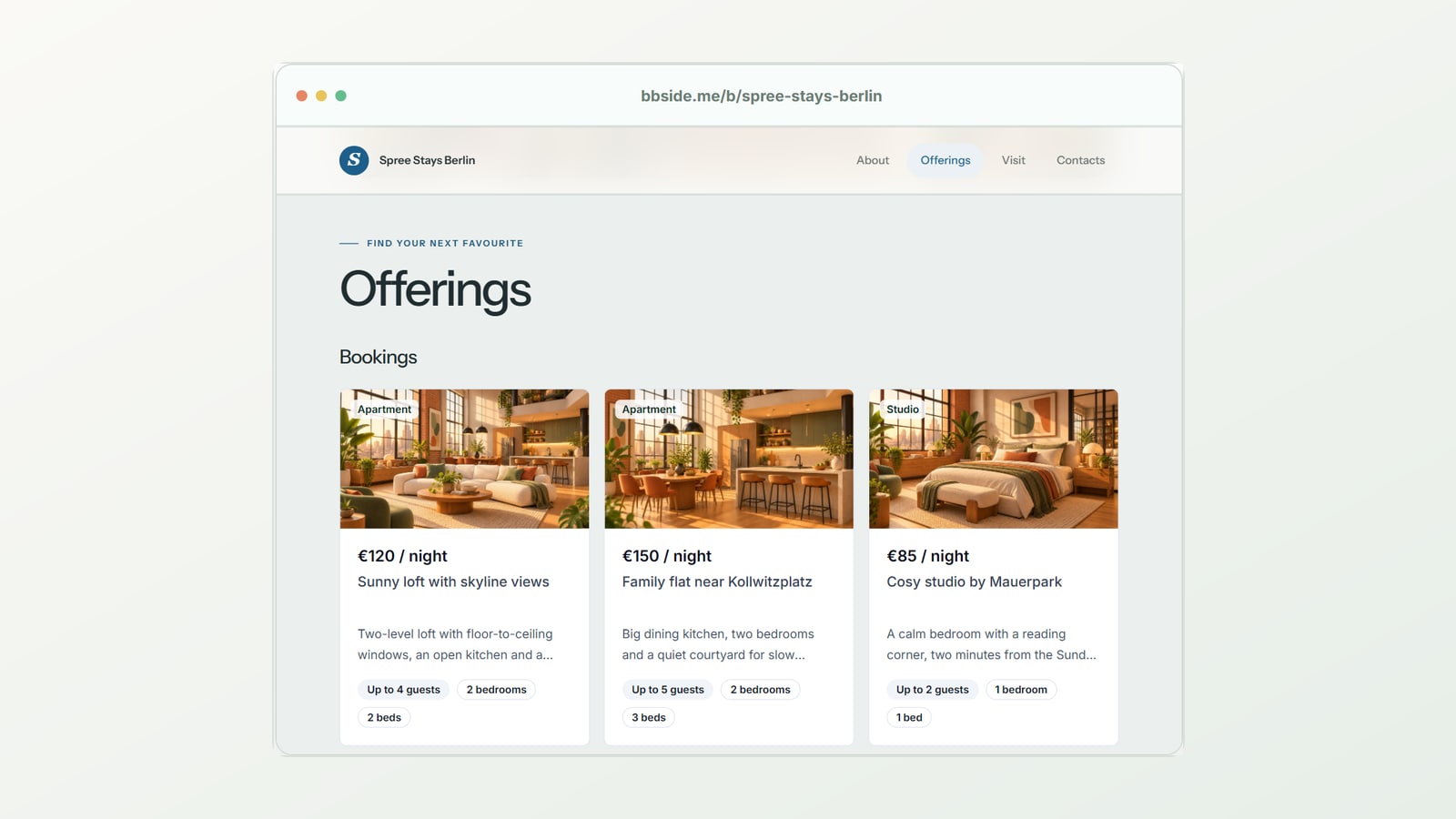
Give each apartment a base price. The loft at our demo host Spree Stays Berlin starts at €120 per night. Its smaller studio can have a different starting price. The base rate applies on nights without a seasonal rate or a specific date price.
Use a season for dates that come up every year
Set up Winter from 1 December through 28 February and give the loft a rate of €135 for those nights. You can make the season repeat each year and give each apartment its own price for it. When you set a year on a season, it applies to that year’s dates.
If the season covers all your apartments, you can reuse the dates and decide which rate makes sense for each place. If the studio stays at its usual rate, leave it without a winter price.
Change the price of specific nights
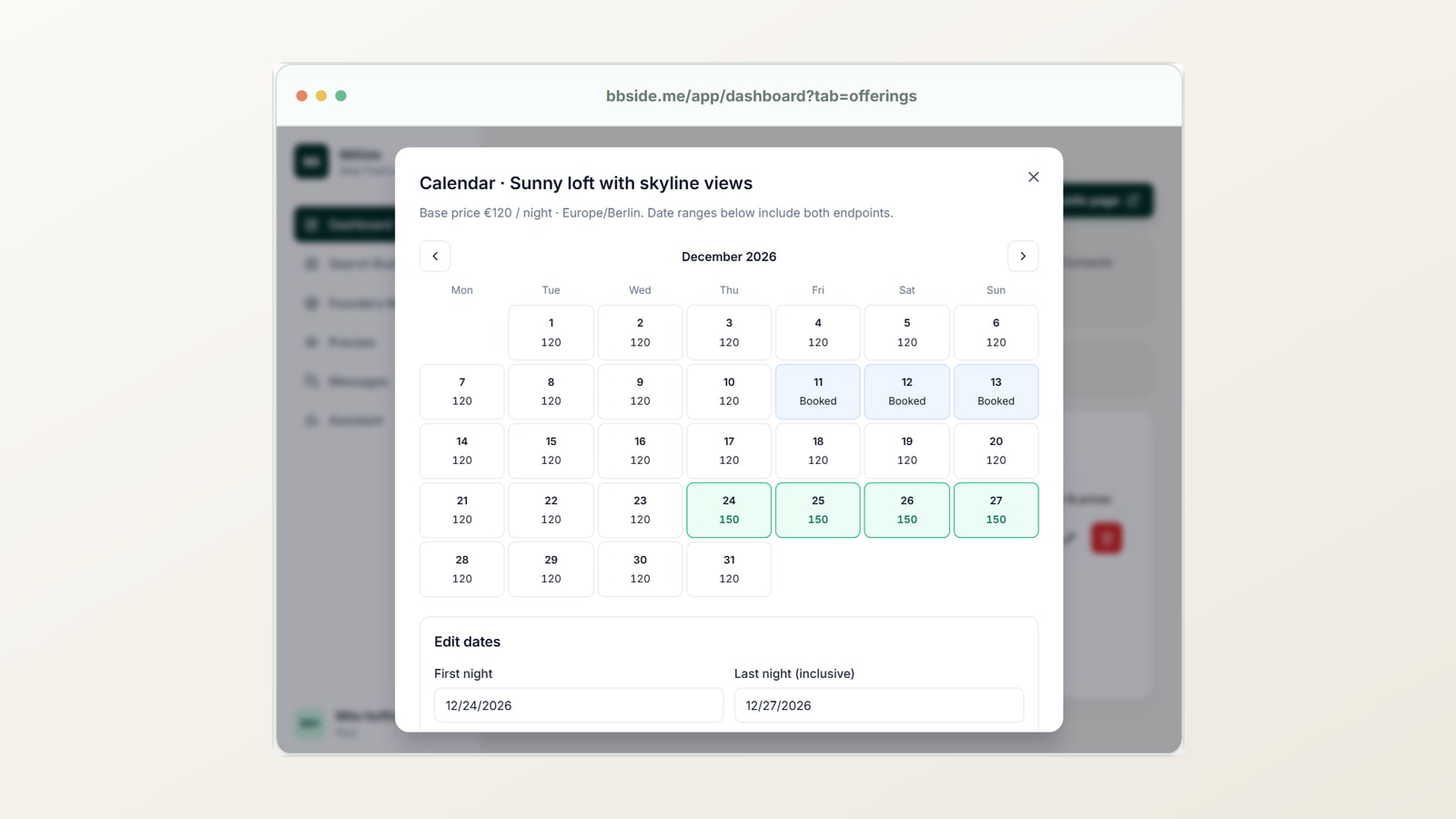
Say the loft costs €150 per night from 24 to 27 December. Set that price for those nights in its calendar. A price set on a particular date takes precedence over the seasonal rate. This is useful for a short event or holiday when the rest of the season already has the price you want.
A guest arriving on 23 December and leaving on 26 December would see:
| Night | Rate |
|---|---|
| 23 December | €135 |
| 24 December | €150 |
| 25 December | €150 |
| Total for three nights | €435 |
The guest checks out on the 26th, so that night is outside their stay.
Update prices as your plans change
If you decide to charge a different rate for new guests, edit the season or the nights concerned. BBSide keeps the prices already agreed in confirmed reservations, and existing requests keep the prices they were sent with. You can review the new total by selecting dates on the public listing.
See the pricing calendar in BBSide, or read how to set up an apartment for direct bookings.