Property Portals and Your Own Agency Website
Looking for a Rightmove or idealista alternative? BBSide gives estate agents a shareable property catalogue and listings on a public map.
An enquiry comes in about a flat by Mauerpark. It’s a good fit, but you have two other properties the buyer might consider. With BBSide, you can send the link to that flat and give the buyer a way to see the rest of your agency’s listings from the same page. You can use that catalogue wherever your enquiries already come from.
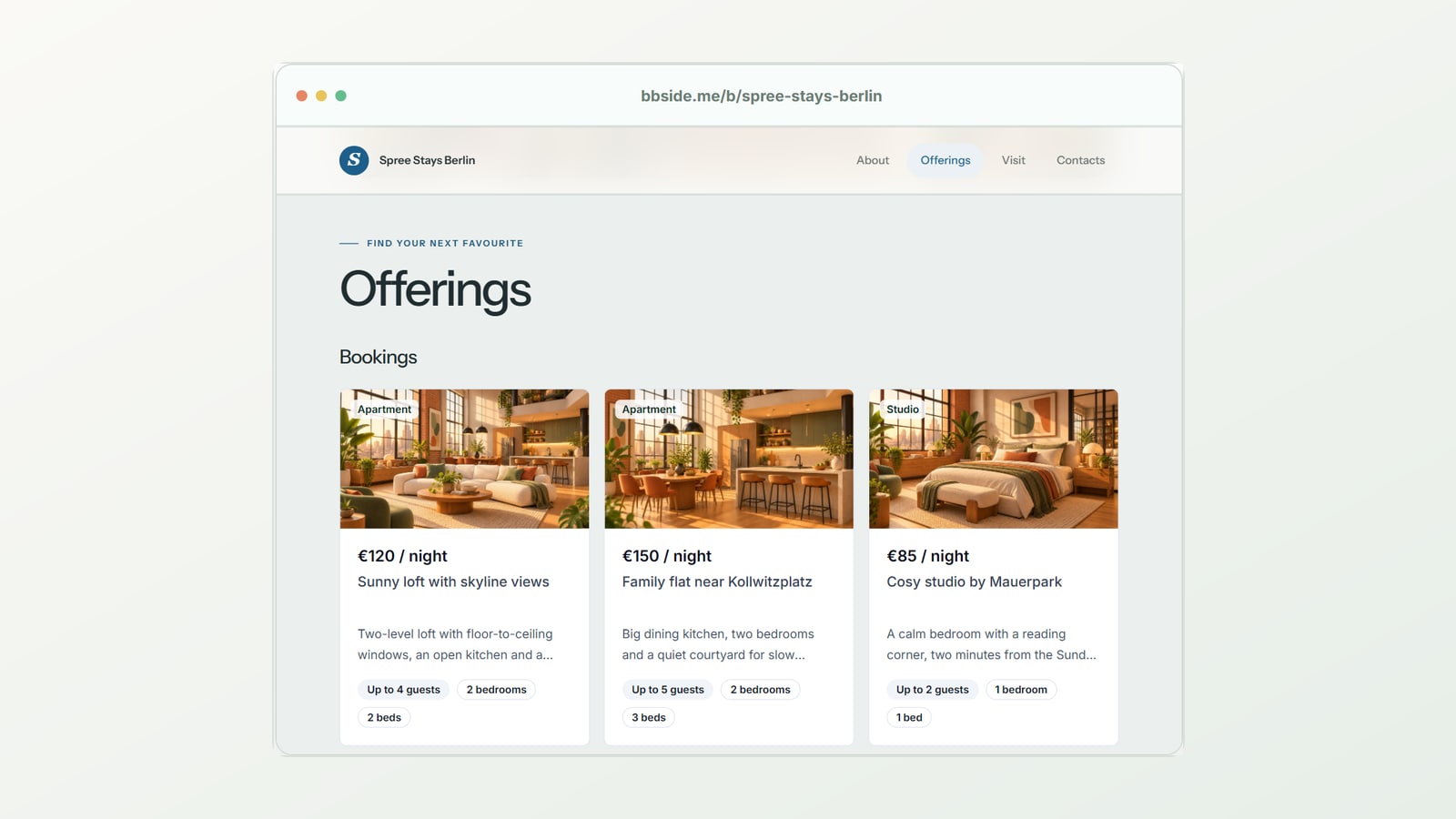
Give your agency one link it can use anywhere
Share the agency page in your email signature, on a social profile or when a new client asks what you have available. It brings your active properties together with the areas you cover, your contact details and the services you offer.
When you know the buyer is asking about one property, send that listing’s link. It opens with the gallery, price and key facts ready to view. “Here’s the flat by Mauerpark. The gallery includes the kitchen and the third room. Let me know if you’d like to see it this week” is enough to keep the conversation moving.
Let buyers find your properties on the map
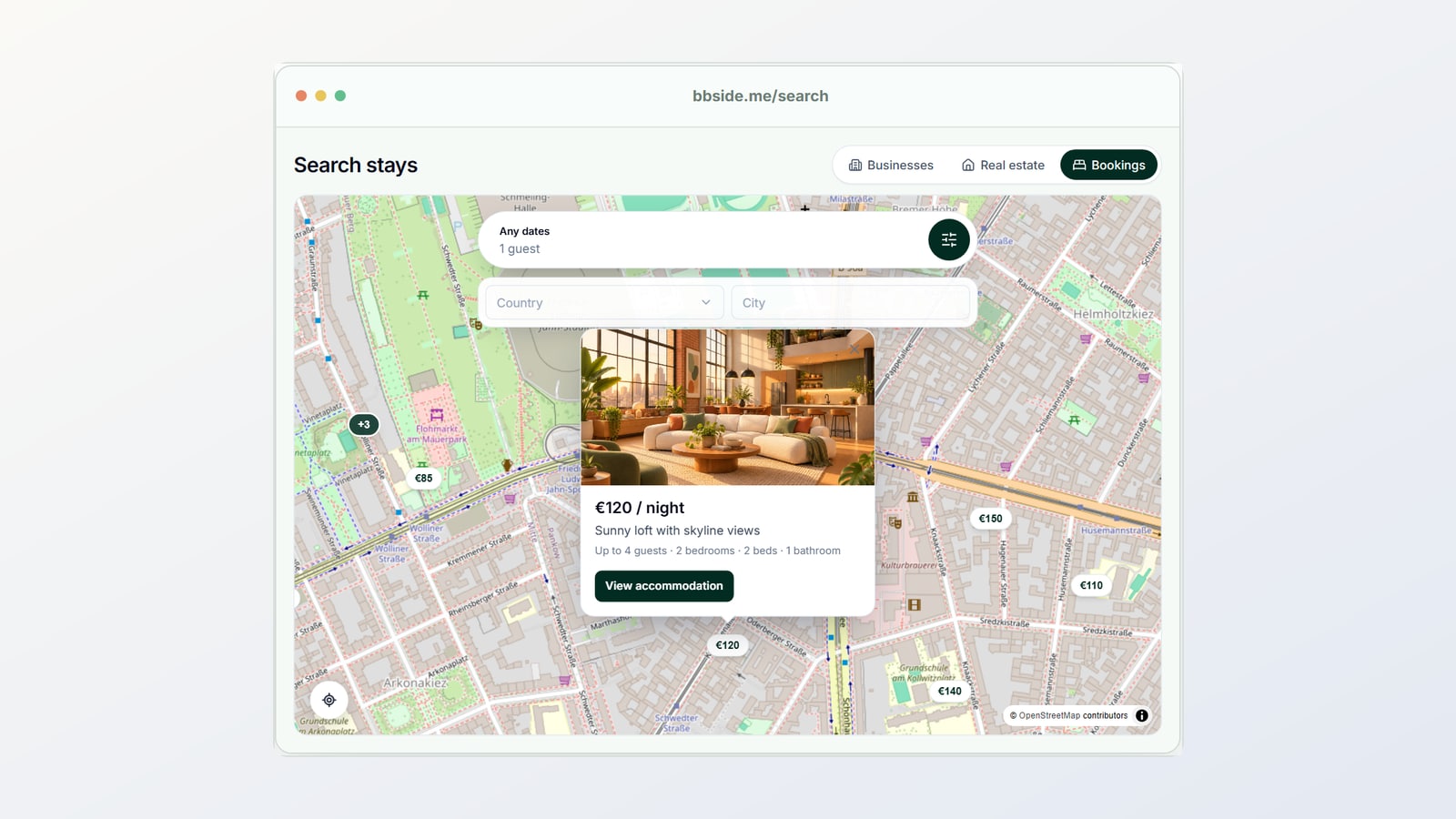
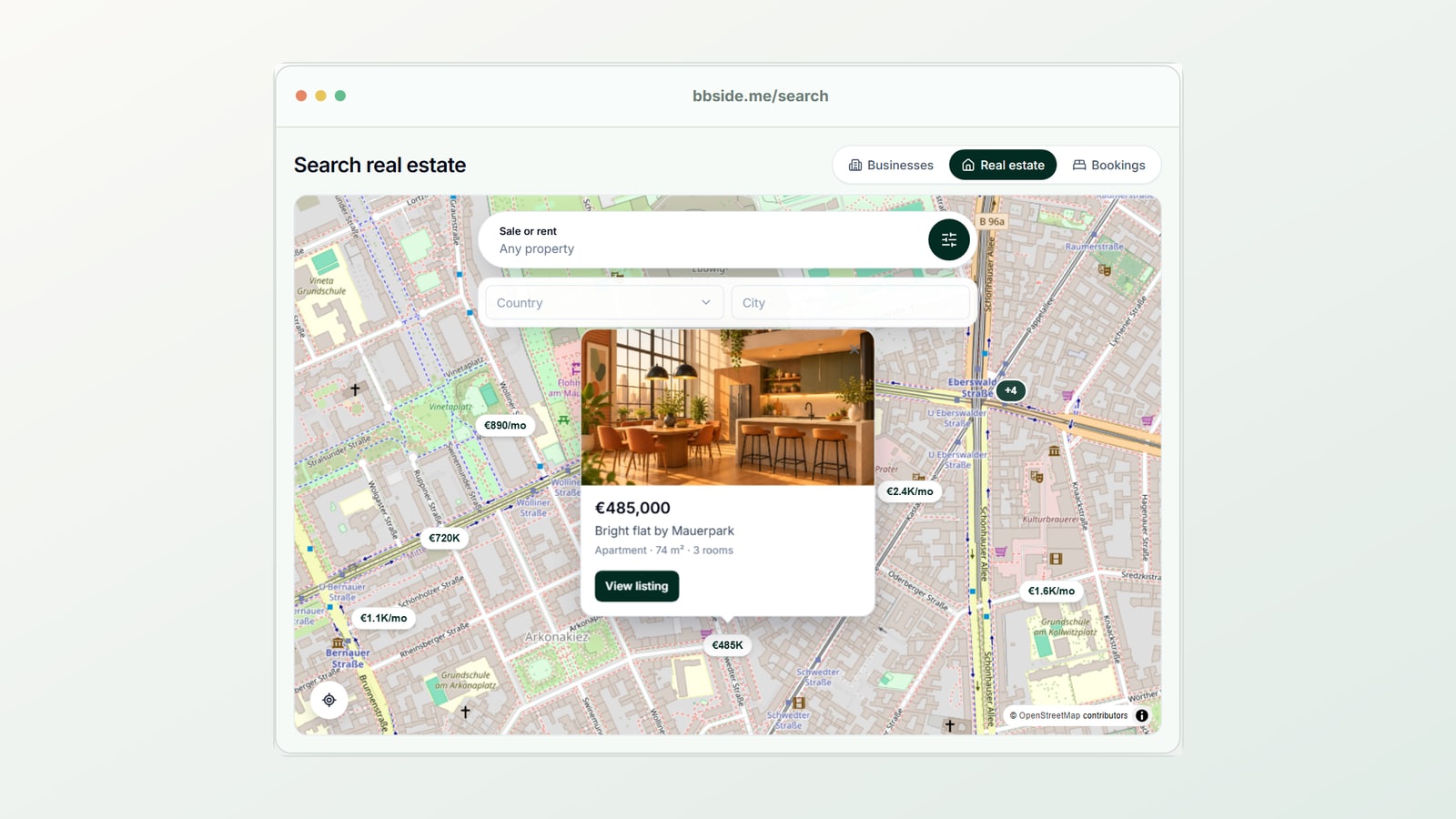
A buyer who starts with a neighbourhood can use BBSide’s public map to explore properties for sale or rent. The flat by Mauerpark appears at its own location, with its price on the map. Opening the marker gives the buyer a preview and a way into the listing.
That gives the same property two ways to be found. Someone exploring the area can discover it on the map, and someone you’ve already spoken with can go straight to it from your message. Both can get in touch from the listing.
Keep the catalogue current as deals move along
When a price changes or you get better photos, update the property in your BBSide dashboard. If it’s taken off the market, switch it off so people browsing your agency don’t keep asking about it. If you also advertise the property on other portals, update those adverts separately as part of the same check.
Start with the listings you send out most often. Once they’re live, put the agency link somewhere you already receive enquiries and try sending a few people straight to a property. Explore BBSide for Real Estate to see the catalogue and map together.