How Booking Requests Work for Vacation Rentals on BBSide
Take booking requests for your vacation rental with BBSide. Review the dates, price and guest’s arrival plans before you confirm the stay.
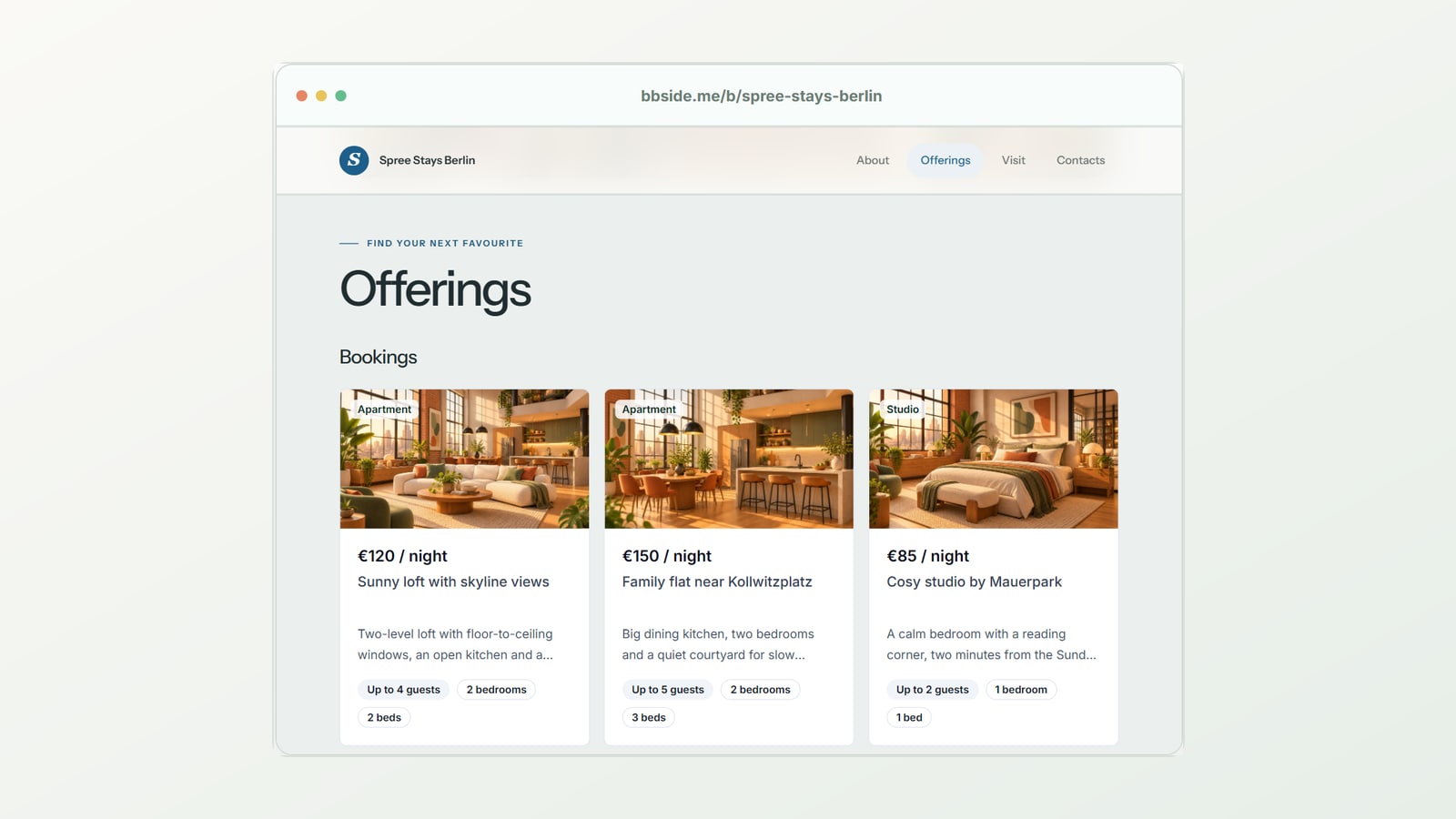
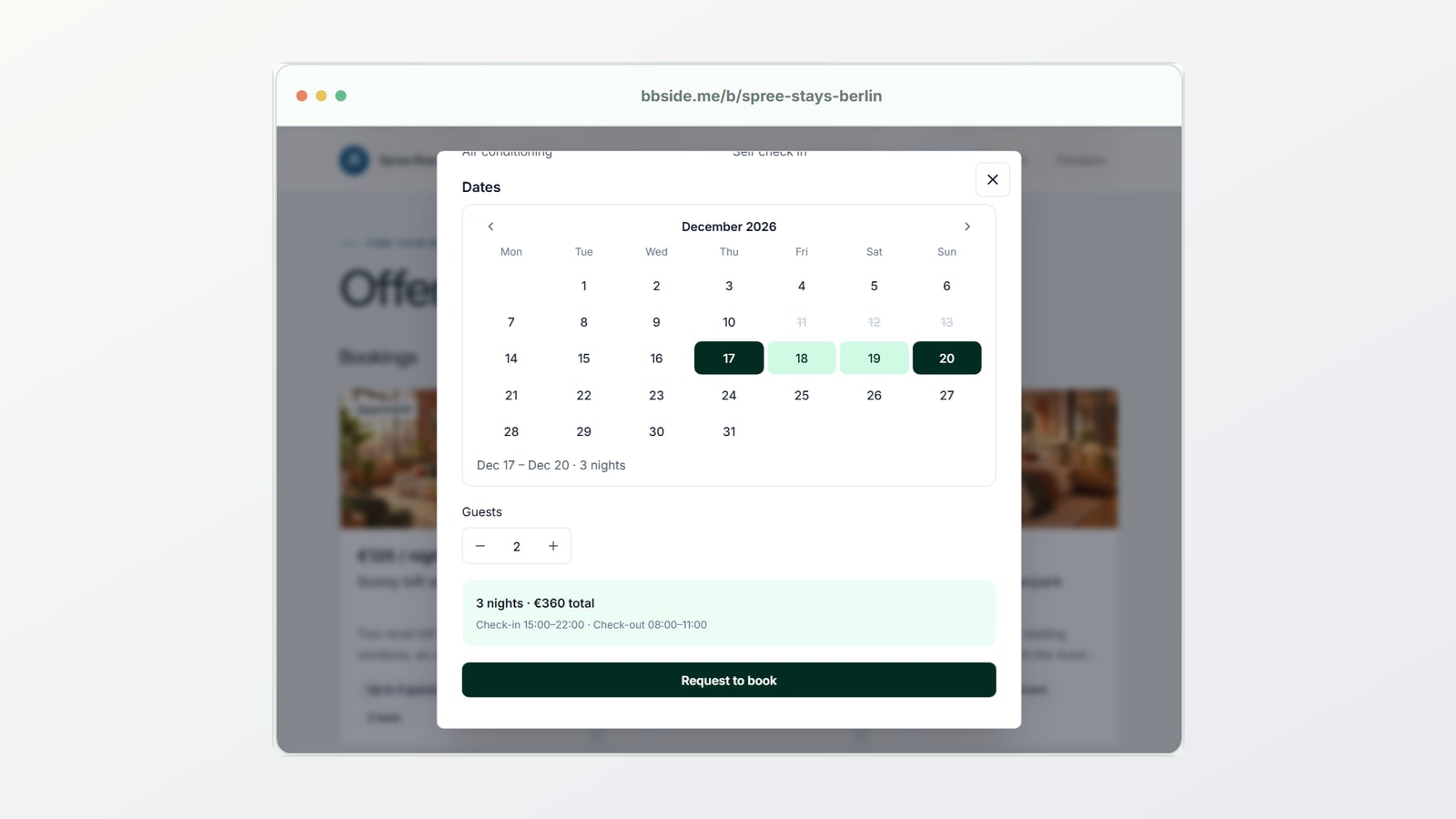
A guest wants your Berlin loft from Thursday to Sunday. They open your BBSide listing, pick the dates and see the price for all three nights. The request brings those details to your dashboard, so you can check the dates and how they plan to arrive before you send a confirmation.
See what the guest is asking for
Guests sign in to send a request. They give you a phone number and choose an expected arrival window. You see those details alongside the selected apartment, dates and total. Look at the arrival plans and check availability, especially if you also take reservations by phone or on another site.
You have up to 24 hours to respond. A request for a stay starting soon can expire earlier, at the end of the check-in window. When you confirm, the guest gets an email and can follow the stay in My Stays.
Handle requests for some of the same nights
Suppose one guest requests 17–20 December and another requests 19–22 December. Both can send a request while the loft is available. You can review them together and choose the stay you can host.
Once you confirm the first request, BBSide reserves the nights of the 17th, 18th and 19th. The other request can’t go ahead because both guests wanted the 19th, so BBSide closes it. The 20th is the first guest’s departure day, which means you can still offer the night of the 20th if you have time to prepare the apartment.
Build your own routine around confirmations
Check your requests before or after the parts of the day you’re usually busy. If a guest has given you an arrival window you can accommodate, confirm and send them the directions or entry details they need. If you can’t host them, decline the request so they can go on looking.
Set the arrival and departure hours and available dates on your listing before sharing it. Most of the details are then settled when the request arrives. For the full setup, start with your direct booking page, or see the guest request demo.